
To send a voice recording, share the saved audio file through email or an app the recipient uses. If the file is too large for that channel, upload it to a suitable file service and send a link after checking the access settings.


Explore voice, client feedback and clearer project context.
To send a voice recording, share the saved audio file through email or an app the recipient uses. If the file is too large for that channel, upload it to a suitable file service and send a link after checking the access settings.

To send a long voice memo, check the exported file’s size and the limit of the channel you plan to use. Recording duration alone does not determine whether it can be sent. When an attachment is too large, use a suitable file-sharing link.
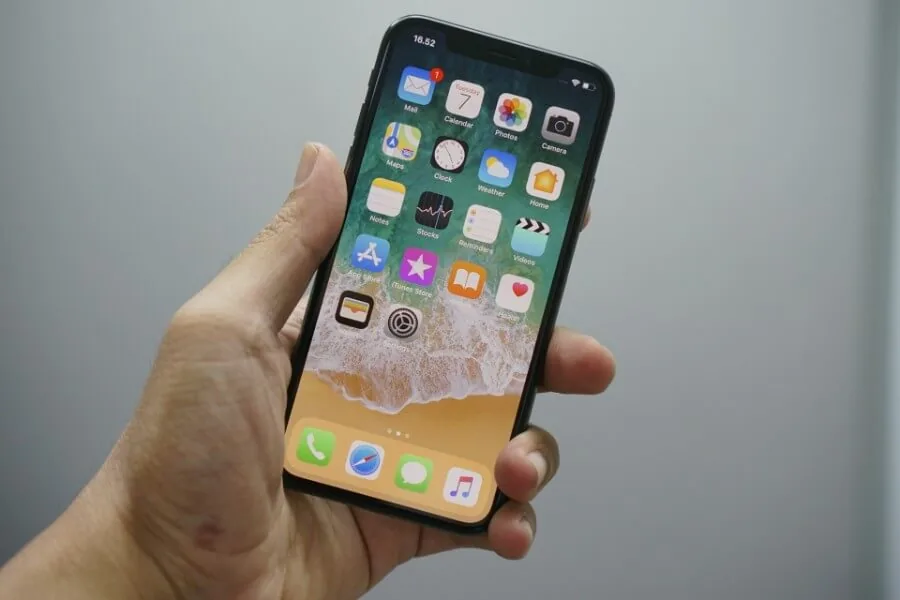
To send an existing iPhone voice memo, select it in Voice Memos, open More Actions → Share, then choose Mail, Messages or another available app. To record directly in a conversation, use the separate Audio feature in Messages.

WhatsApp has a built-in voice message transcription feature. Open Settings → Chats → Voice message transcripts, enable it and choose the language. Then press and hold a voice message and choose Transcribe; some Android menus place the action under More.

Voice memo transcription turns a spoken recording into written text. The useful next step is to check what the speaker actually said, then separate decisions, tasks and unanswered questions. A transcript alone does not establish an agreed deadline or project scope.
This guide covers that review process. For device instructions, start with how to convert a voice memo to text on iPhone and Mac.

To leave someone a voicemail, call their number, wait for the greeting and recording signal, then speak and follow the mailbox instructions. To record your own greeting or save a received message, use your phone or carrier’s voicemail settings instead.

Choose speech-to-text software by your language, hardware, deployment needs and the exact model license. Whisper, faster-whisper, Vosk and NVIDIA Parakeet are useful options to evaluate, but they do not all describe the same layer of a system.
This is a documentation-based comparison, checked on 29 October 2026. We have not run a comparative benchmark for this article. The evaluation worksheet below is a plan you can use with your own recordings.

To send a voice memo, record it and share either the audio file or a listening link through your chosen messaging or email app. This guide explains those options and how to use VocalJet for a recording, transcript and reply link.

To convert a voice memo to text, check whether your device can display a transcript in Voice Memos. If it can, copy the text into a document. Otherwise, export the audio and choose a transcription tool that supports its file format and language. Review the result against the recording before sharing it.

To loop a voice memo, export the recording as an audio file and open it in a player with a repeat function. On iPhone or Android, VLC is an option; on a Mac, QuickTime Player has a Loop command. You do not need an Apple Music subscription.