AI Voice Recorder


Record your own voice, keep the original audio and review an AI transcript before reusing the words.


Record your voice. Keep the words accessible.

Record a real voice message, review its AI transcript and keep the original audio for context.

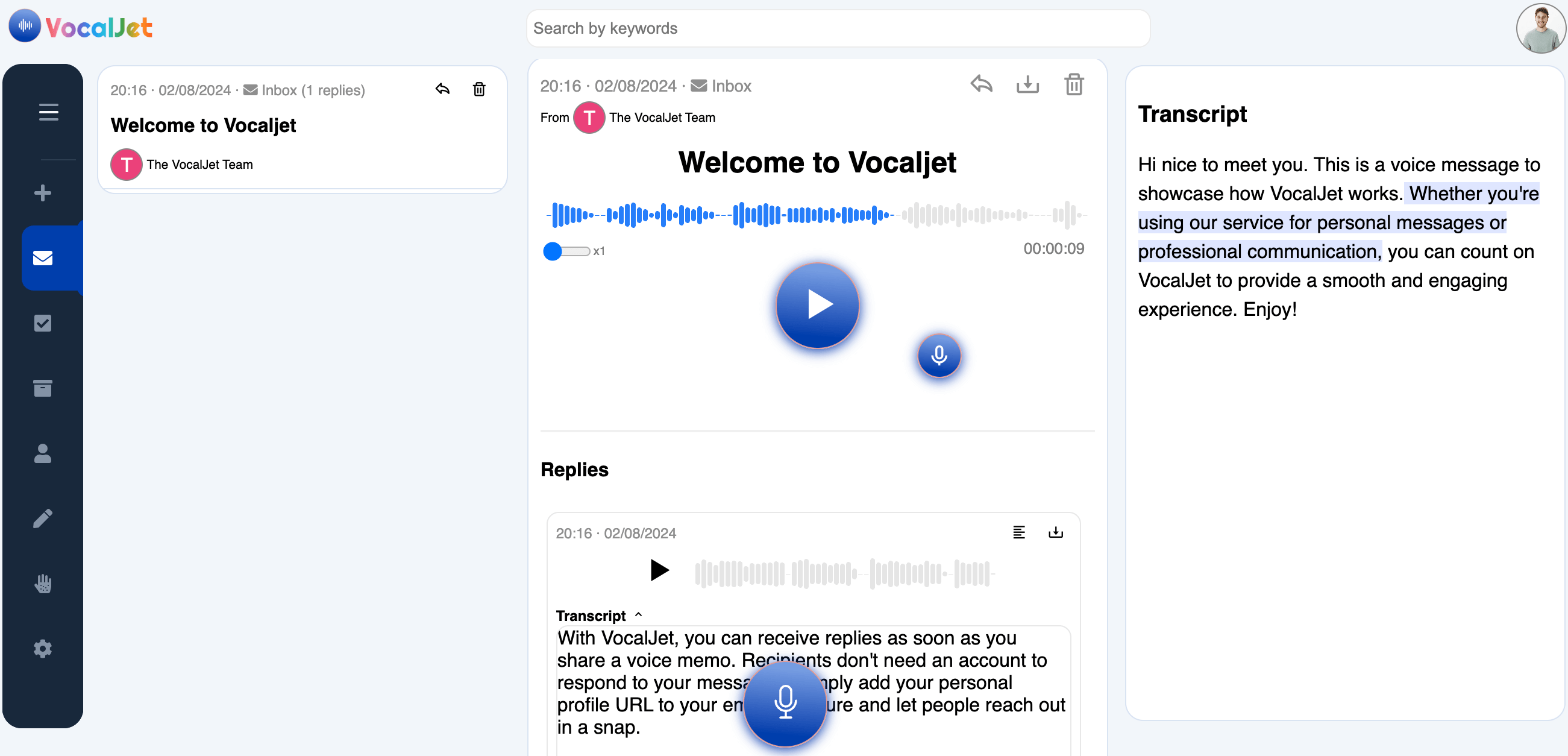
VocalJet app preview

From spoken context to a checked transcript

VocalJet is a voice recorder with transcription. The recording is your own voice; the AI step converts speech into text. Use it for a project note, client explanation or short update that needs both tone and readable wording.

This workflow does not generate synthetic speech, clone a voice or offer a library of AI voices. A transcript also needs review before you use it to agree a name, amount, deadline or commitment.

  1. Record in your browser

    Allow microphone access, record a short message and listen back. Check the recording limit shown in your account before starting a longer explanation.

  2. Upload when your plan includes it

    Use an existing audio file on an eligible plan. Verify a short sample and its playback first; an audio file picker does not guarantee every format or long recording will process.

  3. Read and check the transcript

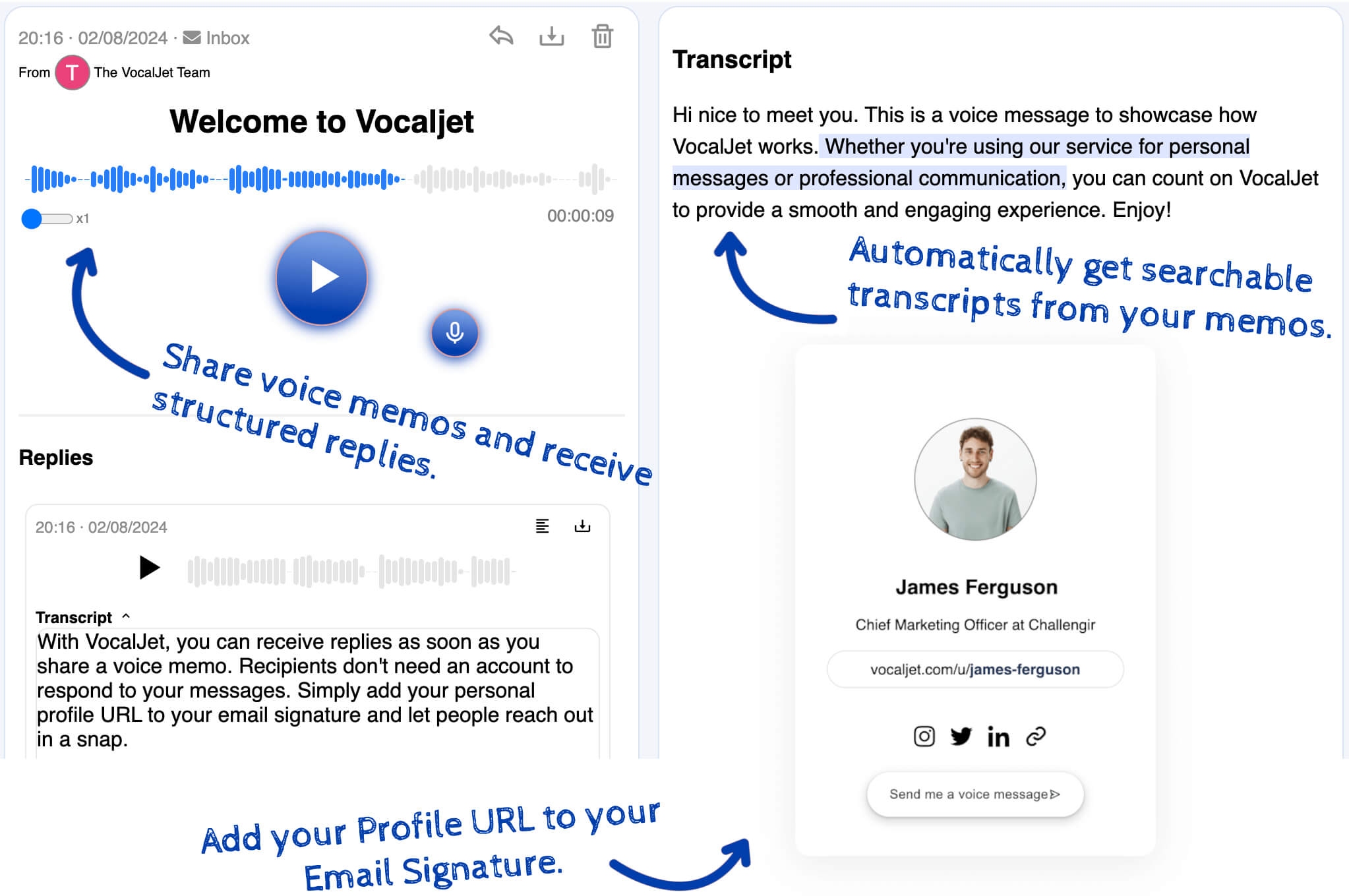
    Saving a recording starts transcription. Compare important wording with the original audio and copy the checked text into your own document.

  4. Share the original context

    Copy the recording’s voice-message link to let the recipient listen and reply. They can respond without a VocalJet account, with a name required and email optional.

A practical review method

Check the audio before reusing its words

Record your voice in the browser, review an AI transcript and share a listening link. Learn the capture, upload and transcript checks that matter. Audio-file uploads require a plan that includes them.
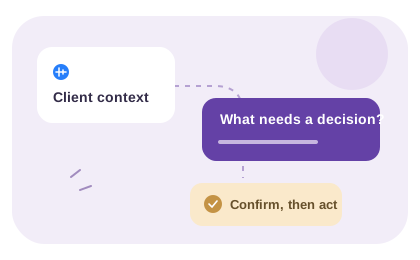
Check the source before judging the text

If playback is silent, interrupted or the wrong message, fix the recording first. Use a quiet setting, keep the microphone unobstructed and make a short trial before recording important context. No accuracy percentage or processing-time guarantee is implied.

If the recording plays but text is missing, keep the original file, check your account’s current limits and try a short clear sample or ask support. Repeatedly uploading a large incompatible file may not resolve the problem.

Choose the result the task actually needs

For a direct quote, preserve the wording you checked against the recording. For a summary, use a separate document and distinguish confirmed facts from interpretation. For a client brief, review the transcript before entering the information in the manual template.

Organize the saved message in a folder and use transcript search to find the context again. These tools help preserve the source; your team still decides what is approved and writes the resulting tasks or follow-up.

VocalJet

Get VocalJet updates in your inbox

VocalJet app preview