Voice memo to text for client feedback and project briefs


Convert the recording into readable text. Check the wording, then copy the transcript into your working notes.

Voice memo to text with VocalJet
VocalJet app preview

Voice memo to text for client context that needs more than a short email.

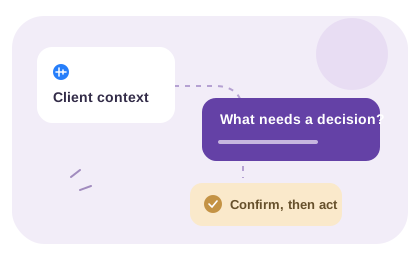
Voice memo to text converts spoken client notes into readable context for briefs, revisions, discovery work and scope clarification.

VocalJet client context workspace
VocalJet app preview
From recording to readable context

Use the text as a record you can check

Text makes a voice note easier to scan and reuse. Keep the recording available for the passages where wording, tone or a pause changes the interpretation.

Decide what kind of text you need

A transcript keeps the spoken wording. A cleaned note removes repetition for readability. A summary selects the main points. Choose the result you need before editing so that a reader does not mistake your interpretation for a verbatim quote.

Record in VocalJet or upload an existing audio file on a plan that includes uploads. After transcription, compare the passage you intend to use with the audio. Keep words that change a commitment, including “not,” “maybe” and “subject to approval.”

Copy the text with enough context

The transcript can be copied as text into your own document or email. Include the project, speaker and recording reference when another person will need to check it. This workflow does not promise a Word, PDF or subtitle export.

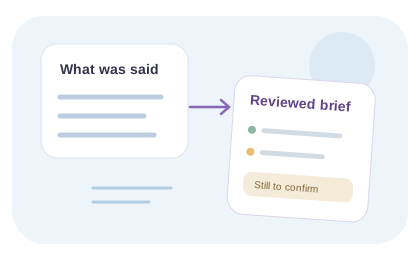
For a direct quotation, keep the verified wording. For a cleaned note, label it as your edited note and put proposed actions in a separate paragraph. Correct uncertain names or figures in your working document after checking the recording or asking the speaker; do not silently guess.

From client voice to usable project context

Use VocalJet to transcribe a client voice memo and copy the checked text. Write any summary or follow-up separately so the original wording remains clear.

VocalJet is a client voice intake tool for consultants, agencies, freelancers and studios. Clients can speak naturally, without creating an account, while you keep the resulting context searchable and easier to act on.

  1. Readable client context

    Convert voice notes into text that can be reviewed, searched and shared.

  2. Action items

    Extract next steps from client requests and revision notes.

  3. Project brief support

    Use the transcript to build a clearer brief before work starts.

  4. No-account client replies

    Share a link by email or message and let clients respond without joining another tool.

Inside VocalJet
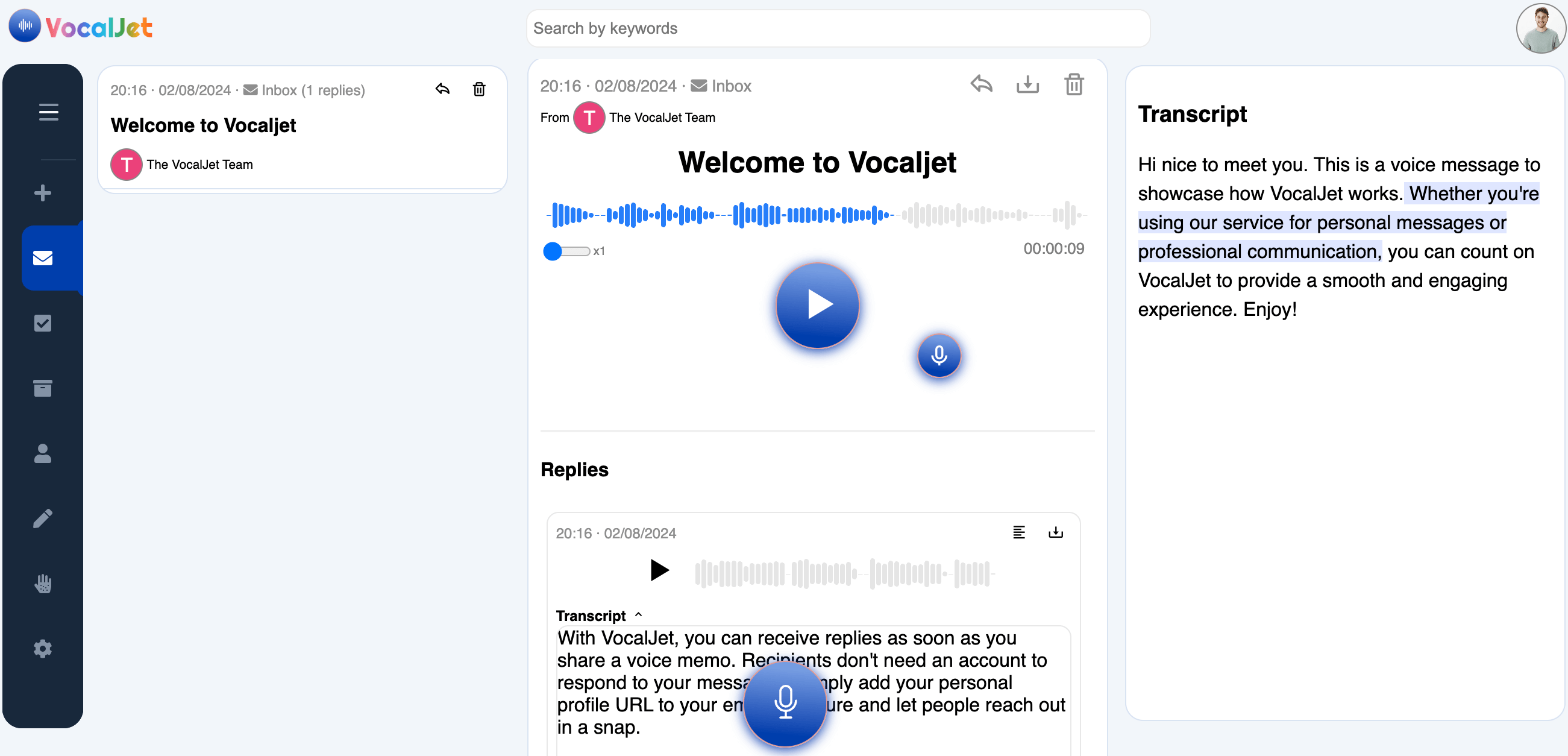
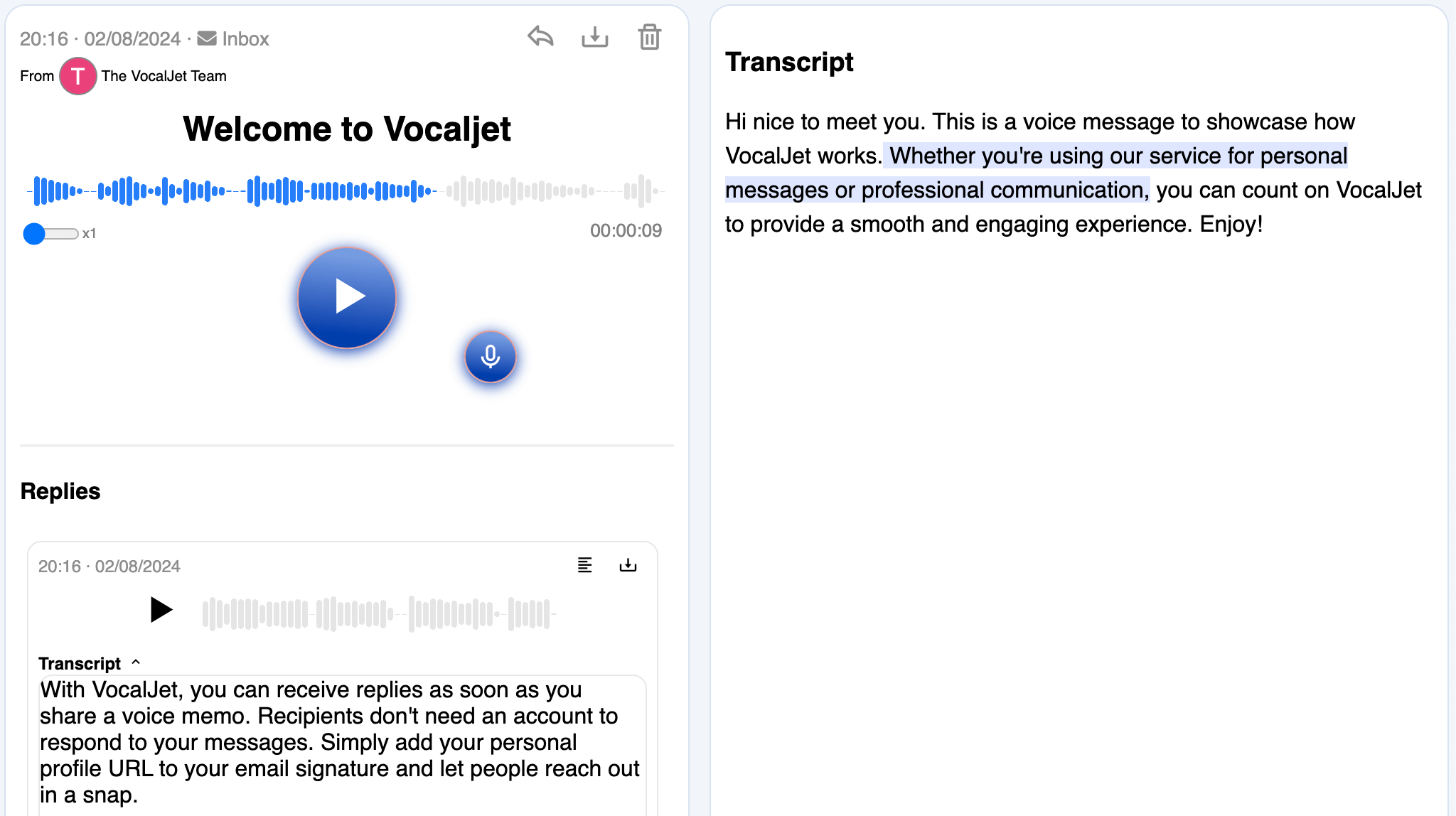
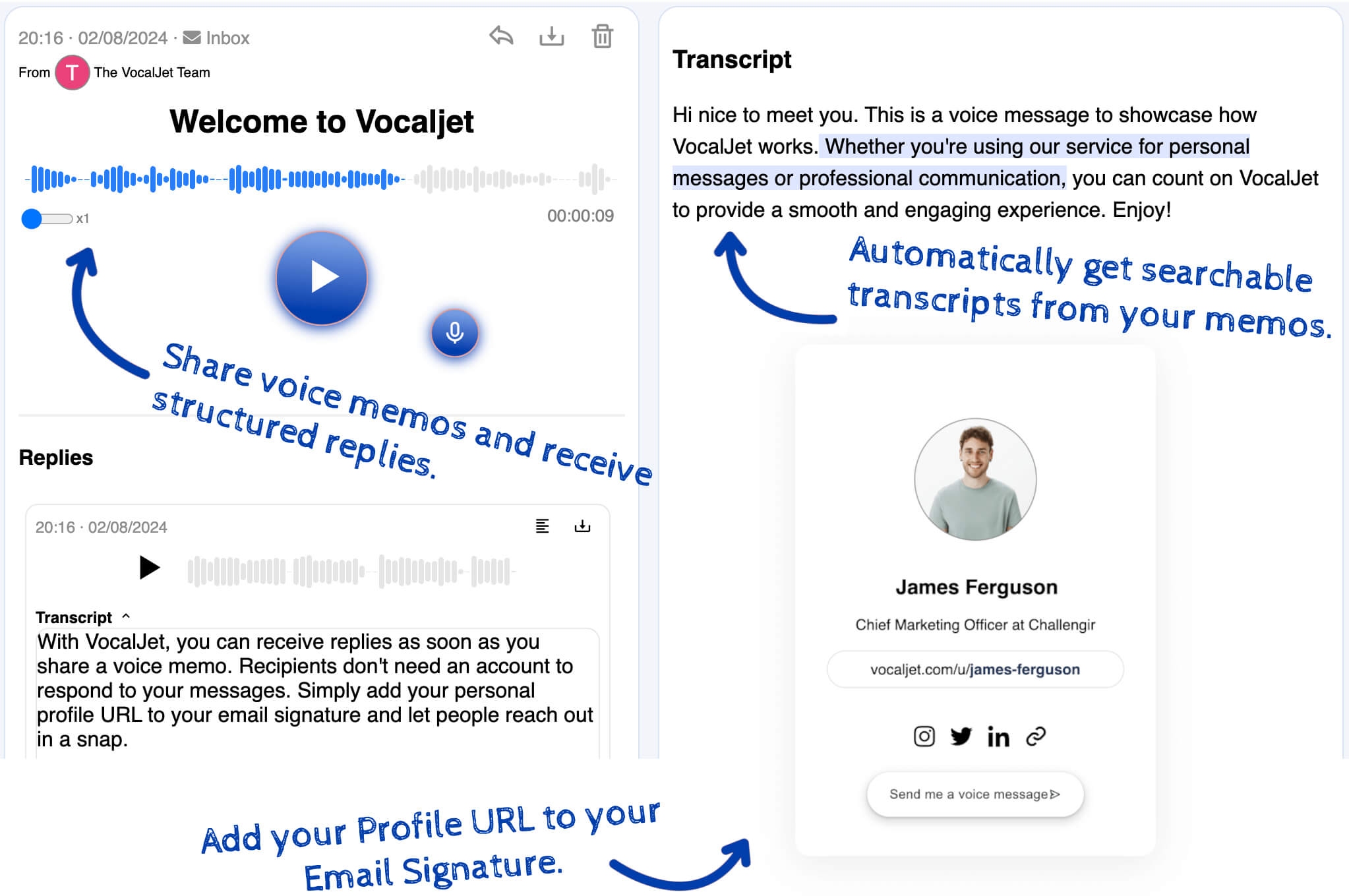
VocalJet welcome message with its transcript and reply in the app
App preview · recording, transcript and reply

How it works

  1. Capture the source

    Record the memo or upload the saved file on a plan that includes audio uploads.

  2. Choose the text you need

    Use the transcript for spoken wording. Keep a cleaned note or summary in a separate document.

  3. Copy with context

    Check the passage against the audio and include a recording reference if someone else must verify it.

Built for

Service teams that need clear context before they commit time, budget or deliverables.

  1. Consultants

    Capture discovery context, stakeholder priorities and unanswered questions before a session.

  2. Agencies

    Collect client feedback and revision context without scattering it across inboxes.

  3. Freelancers

    Capture voice notes and transcripts; use your team’s review to create briefs, actions and follow-ups.

  4. Studios

    Clarify creative direction, scope boundaries and client expectations asynchronously.

Common questions

What does voice memo to text mean?

It means converting a spoken recording into written text that can be searched, reviewed and summarized.

Can I use it for client feedback?

Yes. Transcribe the voice note, check the requested change against the audio and write the action yourself. Confirm ownership and timing rather than inferring them.

Can it create a brief too?

You can use the reviewed text to write brief sections or a follow-up. Transcription supplies the source; it does not automatically create those documents.

Do clients need accounts?

No. Clients can send a voice note through a shared link without creating an account.

VocalJet

Create your first voice intake link

Collect a client’s explanation by voice, review the transcript and agree what happens next.

VocalJet app preview