Audio summarization for client notes and project context


Build a concise summary from a checked transcript. Keep decisions, unknowns and proposed actions separate.

Audio summarization with VocalJet
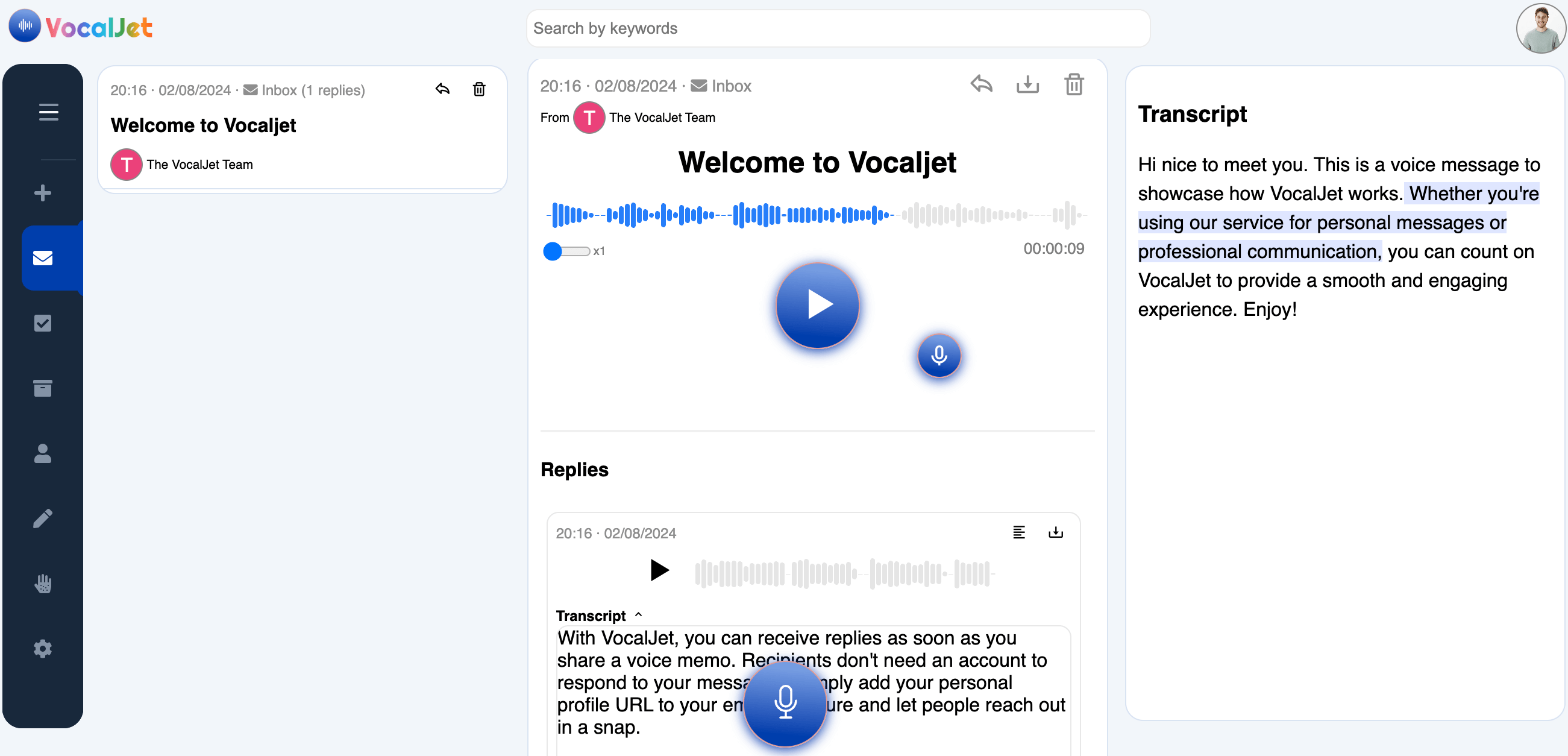
VocalJet app preview

Audio summarization for client context that needs more than a short email.

Audio summarization is a review step: reduce a recording to its useful context without losing qualifications or uncertainty. Here, VocalJet supplies the recording and AI transcript; you write and check the summary.

VocalJet client context workspace
VocalJet app preview
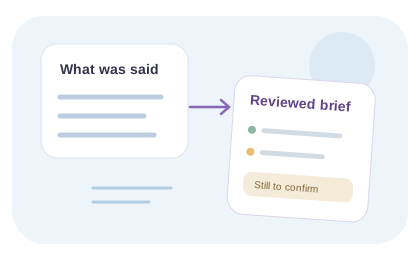
Less text, same meaning

A concise summary should keep the uncertainty

A useful summary captures the main situation without turning possibilities into decisions. Distinguish what changed, why it matters and what is still unresolved.

Draft five useful lines

After checking the transcript, write one line for each of these: the situation, the requested outcome, what is already decided, what remains unknown and the next question to resolve. Keep only the detail needed for the reader’s next decision.

This is a reusable editorial structure, not an automatic VocalJet output. For a fictional request that says “we may launch in June if copy is ready,” the summary should retain both conditions. “June launch confirmed” would change the meaning.

Compare the summary back to the recording

Check names, figures, negation and words such as “might,” “unless” and “after.” Remove repetition in the summary, but keep the original transcript available. If two statements conflict, mark the conflict instead of quietly selecting one.

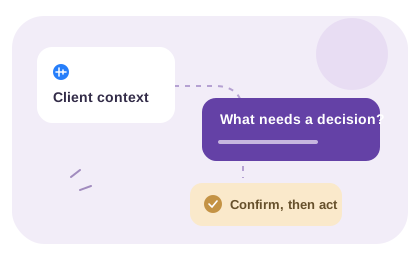
Label proposed actions separately from decisions already made. Ask the client to confirm any commitment that the recording does not clearly establish. VocalJet supplies the recording and transcription; the summary and its quality check are your work. For verbatim text, use the transcript rather than the shorter summary.

From client voice to usable project context

Use the recording and transcript as evidence while you write a short, checked summary for your next follow-up.

VocalJet is a client voice intake tool for consultants, agencies, freelancers and studios. Clients can speak naturally, without creating an account, while you keep the resulting context searchable and easier to act on.

  1. Client note summaries

    Review discovery, feedback and revision recordings before summarizing them.

  2. Scope risk extraction

    Spot vague expectations or new requests before responding.

  3. Follow-up support

    Write a follow-up from your checked summary and agreed actions.

  4. No-account client replies

    Share a link by email or message and let clients respond without joining another tool.

Inside VocalJet
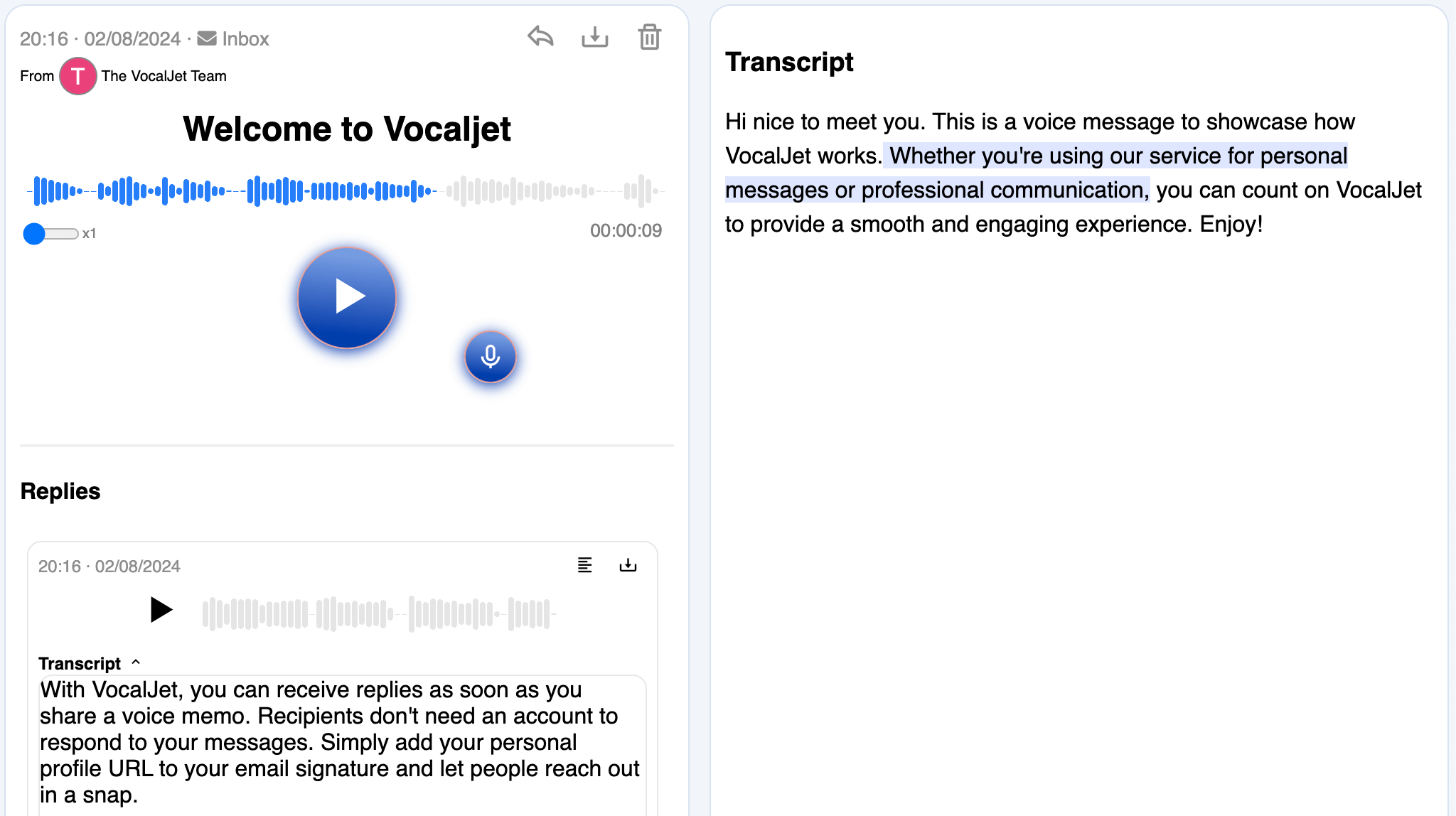
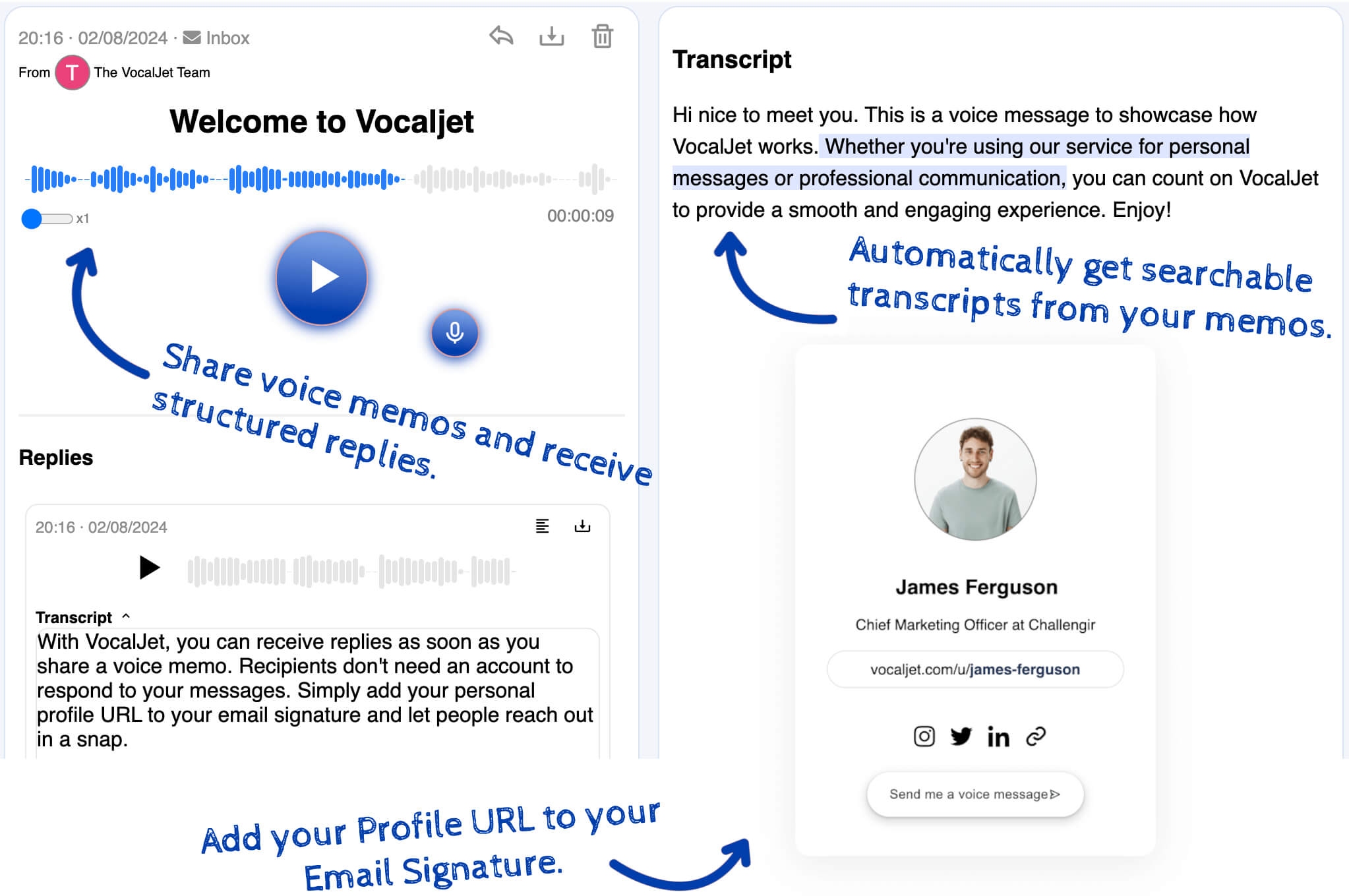
VocalJet welcome message with its transcript and reply in the app
App preview · recording, transcript and reply

How it works

  1. Check the source

    Play the recording alongside the transcript and correct uncertain wording in your working notes.

  2. Write five useful lines

    Summarize the situation, outcome, decisions, unknowns and next question in a separate document.

  3. Verify the meaning

    Compare the summary with the recording, retain qualifications and confirm any new commitment with the client.

Built for

Service teams that need clear context before they commit time, budget or deliverables.

  1. Consultants

    Capture discovery context, stakeholder priorities and unanswered questions before a session.

  2. Agencies

    Collect client feedback and revision context without scattering it across inboxes.

  3. Freelancers

    Capture voice notes and transcripts; use your team’s review to create briefs, actions and follow-ups.

  4. Studios

    Clarify creative direction, scope boundaries and client expectations asynchronously.

Common questions

What recordings can I summarize with this method?

You can use recorded or uploaded voice notes as source material. VocalJet provides transcription; this page’s summarization method is a manual review process. Audio-file uploads require a plan that includes them.

Does it work for discovery calls?

Yes, if you already have a recording you are entitled to use and the app accepts the file. Review its transcript and write your summary. This is not a claim that VocalJet joins or records meetings automatically.

Can I use this method for client feedback?

Yes. It is built for async feedback, revision notes and project updates.

Does it identify action items?

You can identify and write the next steps during review. Keep proposed tasks separate from agreed commitments; do not infer an owner or deadline that the speaker did not give.

VocalJet

Create your first voice intake link

Collect a client’s explanation by voice, review the transcript and agree what happens next.

VocalJet app preview