
Send voice memos by email to collect client context


Share a voice memo or intake link from your inbox and let clients respond with clearer context than a short written reply.

Send voice memos by email with VocalJet


Send voice memos by email for client context that needs more than a short email.

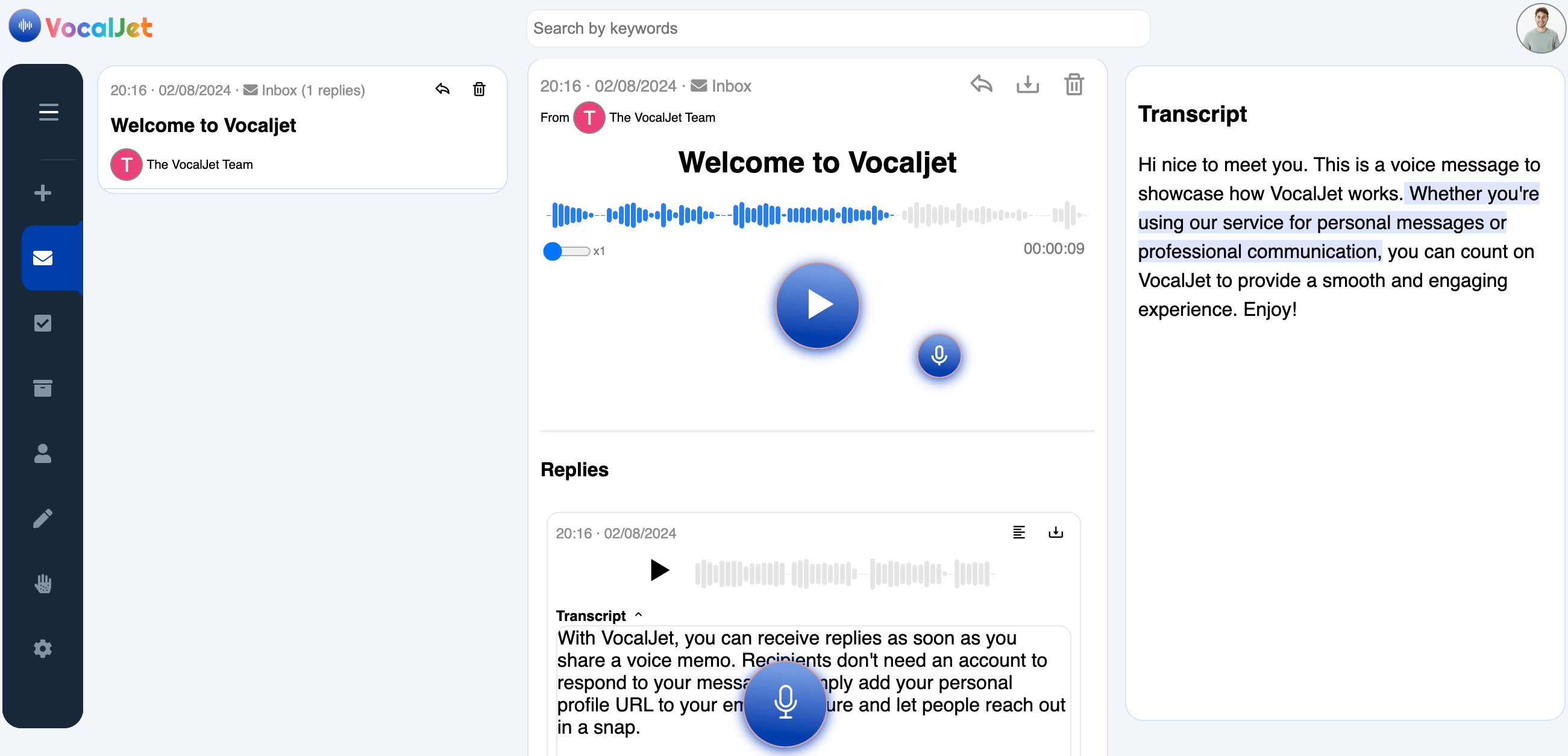
VocalJet client context workspace

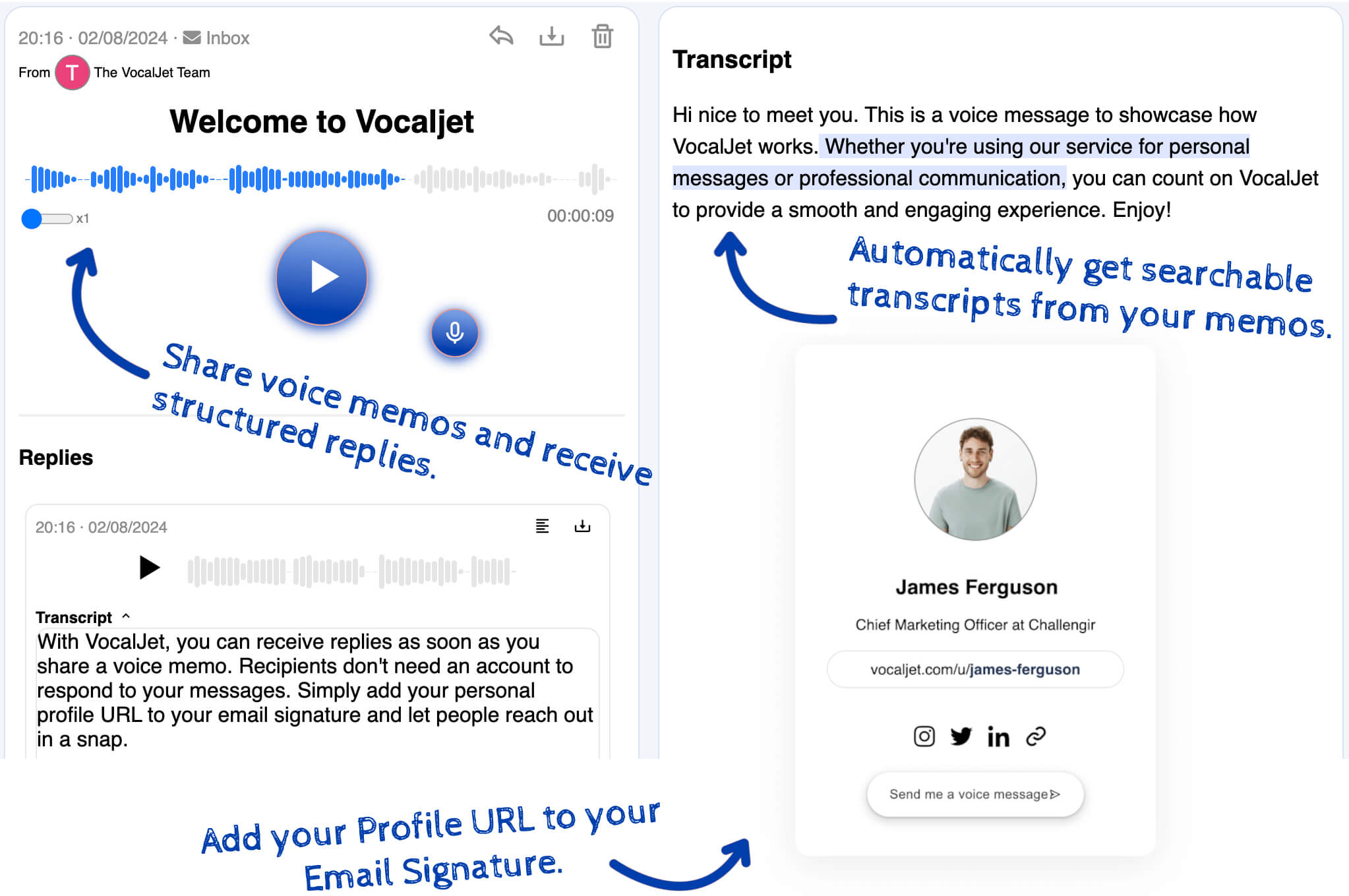
Sending voice memos by email keeps client communication familiar while adding richer voice context, transcripts and summaries.


From client voice to usable project context

Use VocalJet when a client request, revision or discovery answer needs more nuance than a quick email can carry.

VocalJet is a client voice intake tool for consultants, agencies, freelancers and studios. Clients can speak naturally, without creating an account, while you keep the resulting context searchable and easier to act on.

Share by email or link

Keep the client in their existing email workflow.

Voice replies

Let clients explain feedback, blockers and priorities in their own words.

Searchable context

Keep replies searchable as project context after the email is sent.

No-account client replies

Share a link by email or message and let clients respond without joining another tool.

How it works

Share a voice link

Send a VocalJet link before a kickoff, after a review, or from your email signature.

Client explains by voice

The client records context, feedback or questions without creating an account.

Get transcript, brief, risks, actions, follow-up

Review structured output and send a clear next-step reply.

Built for

Service teams that need clear context before they commit time, budget or deliverables.

Consultants

Capture discovery context, stakeholder priorities and unanswered questions before a session.

Agencies

Collect client feedback and revision context without scattering it across inboxes.

Freelancers

Turn client voice notes into briefs, actions and follow-ups without manual rewriting.

Studios

Clarify creative direction, scope boundaries and client expectations asynchronously.

Related workflows

Keep client context, feedback and scope decisions connected.

Voice message to email

Use voice links in normal email threads.

Async client feedback

Collect feedback without another meeting.

Voice note to action items

Extract next steps from replies.

Common questions

Can I send a voice memo to any client?

Yes. VocalJet links can be sent through normal email workflows.

Does the client need VocalJet?

No. The client can listen or reply from the link without an account.

Can I collect project feedback this way?

Yes. Use email to request async voice feedback and review the resulting transcript and action items.

Does VocalJet keep a transcript?

Yes. Voice memos can be transcribed, summarized and searched.

VocalJet
Create your first voice intake link

Let a client explain the context by voice and get a clearer brief, scope risks, actions and follow-up text.