An audio note taker for client context


Capture what was said, review the transcript and keep the important questions close to the project.

VocalJet recording and voice sharing interface
VocalJet app preview

Choose how to capture the note

Use the input you already have, then review it before making a commitment.

Your own project notes

Record context after a discussion: what changed, which decision was made and what you still need to confirm.

An existing recording

Upload a saved audio file, wait for processing, and check the transcript for names, figures and missing context. Audio-file uploads require a plan that includes them.

When a client should explain the context directly, use a client voice intake link.

From spoken context to a useful note

Fictional editorial example: this illustrates how to review a note, rather than presenting captured product output.

Spoken note

The client wants the landing page ready next month. Copy is still in review, and we do not know who approves the CRM connection.

What to write down

  • Requested outcome: a landing page next month.
  • Dependency: final copy is not ready.
  • Open question: who owns approval of the CRM connection?
  • Next step: confirm owners and dates before agreeing the schedule.
A practical review method

A useful note starts with its source

Record a useful audio note after a client discussion. Capture the outcome, source and open question, then review the transcript before sharing it.
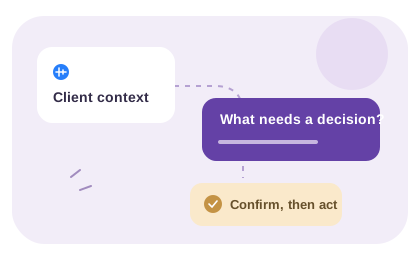
Capture the result while the context is fresh

A personal working note should say what discussion it refers to, what changed and what still needs confirmation. Record your own short recap in the browser after allowing microphone access. If you upload an existing recording, use a plan that includes uploads and material you are entitled to process.

Make clear whether you are recording your own recollection or the client’s original words. A recap is not a verbatim transcript of the discussion. The workflow here does not claim to join meetings, record calls automatically or identify different speakers.

Review the note before turning it into work

Check the transcript for names, dates and uncertain phrasing. Preserve “I think” or “we still need to ask” when the decision was not made. Put the recording in the project folder and use a recognizable subject.

Before assigning work, compare your recollection with any written agreement or ask the client to confirm it. The fictional example on this page shows that review process. It does not represent a real client outcome or automatically generated brief.

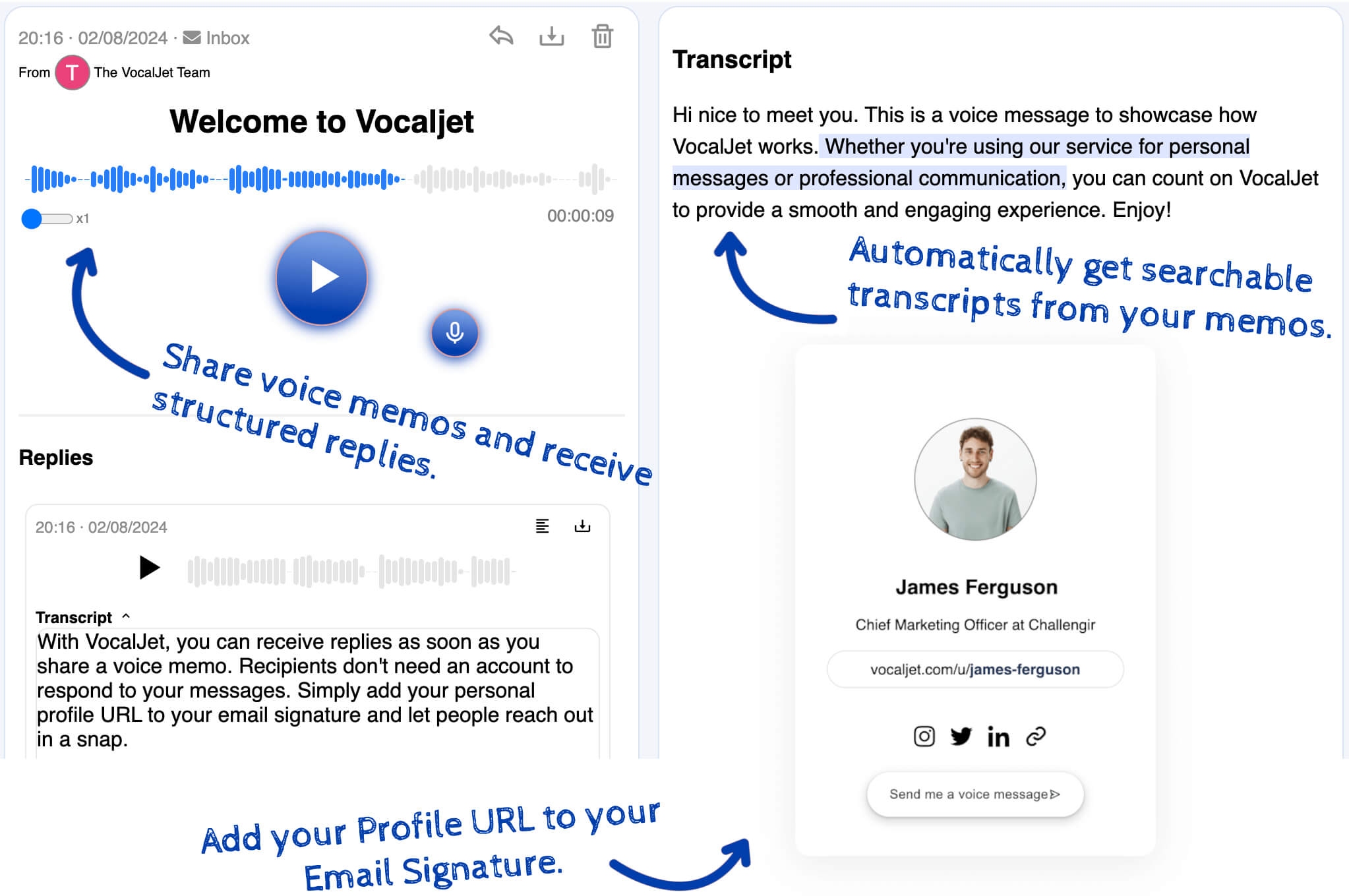
Store the context, then confirm the work

Keep the recording available while you turn the reviewed information into a brief.

Use project folders and searchable audio notes to find context later. Use the free brief template when you are ready to record goals, deliverables, exclusions and unanswered questions.

For a longer explanation, read how to turn client voice notes into action items.