01Choose a listening link or a written message
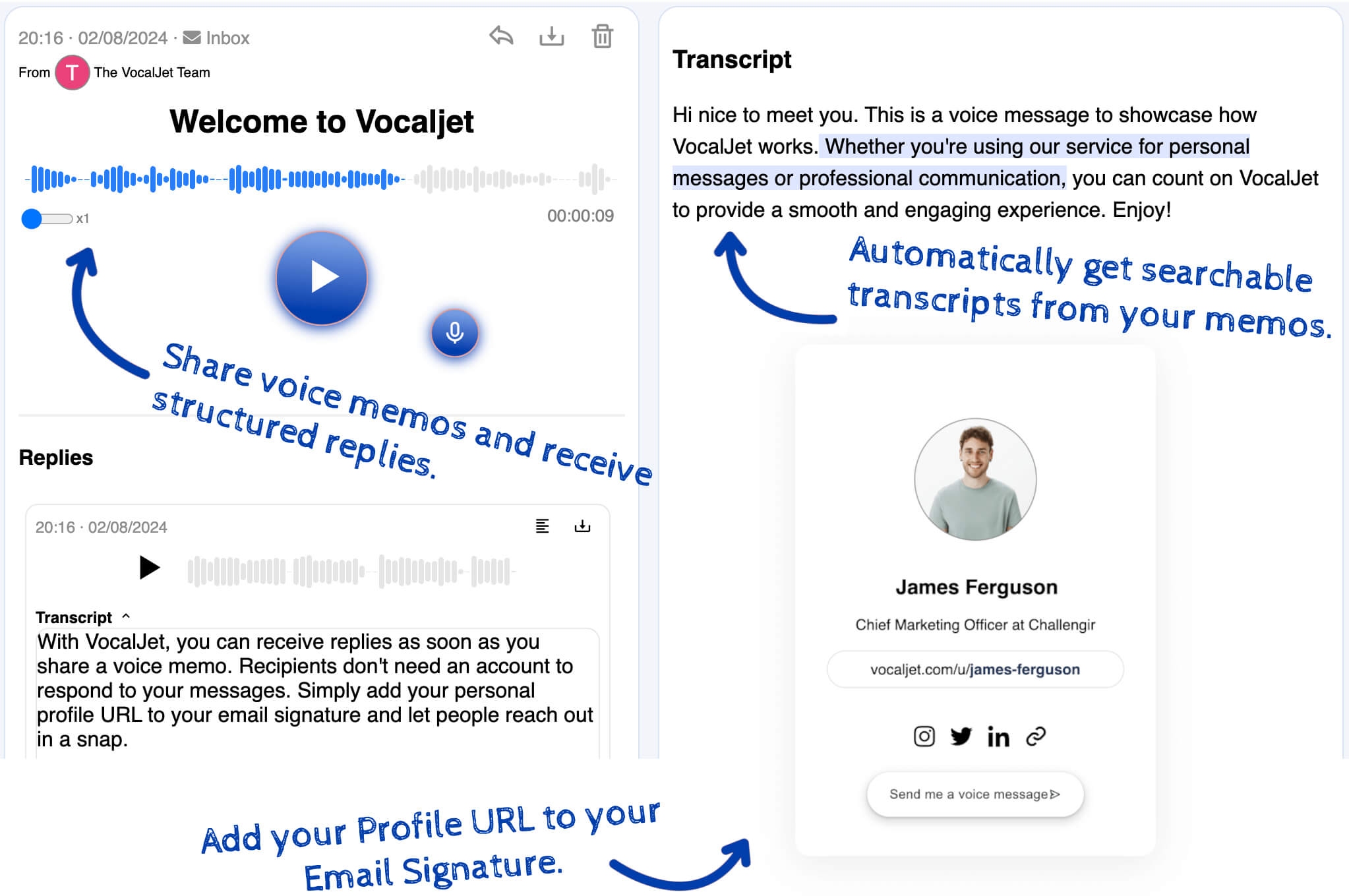
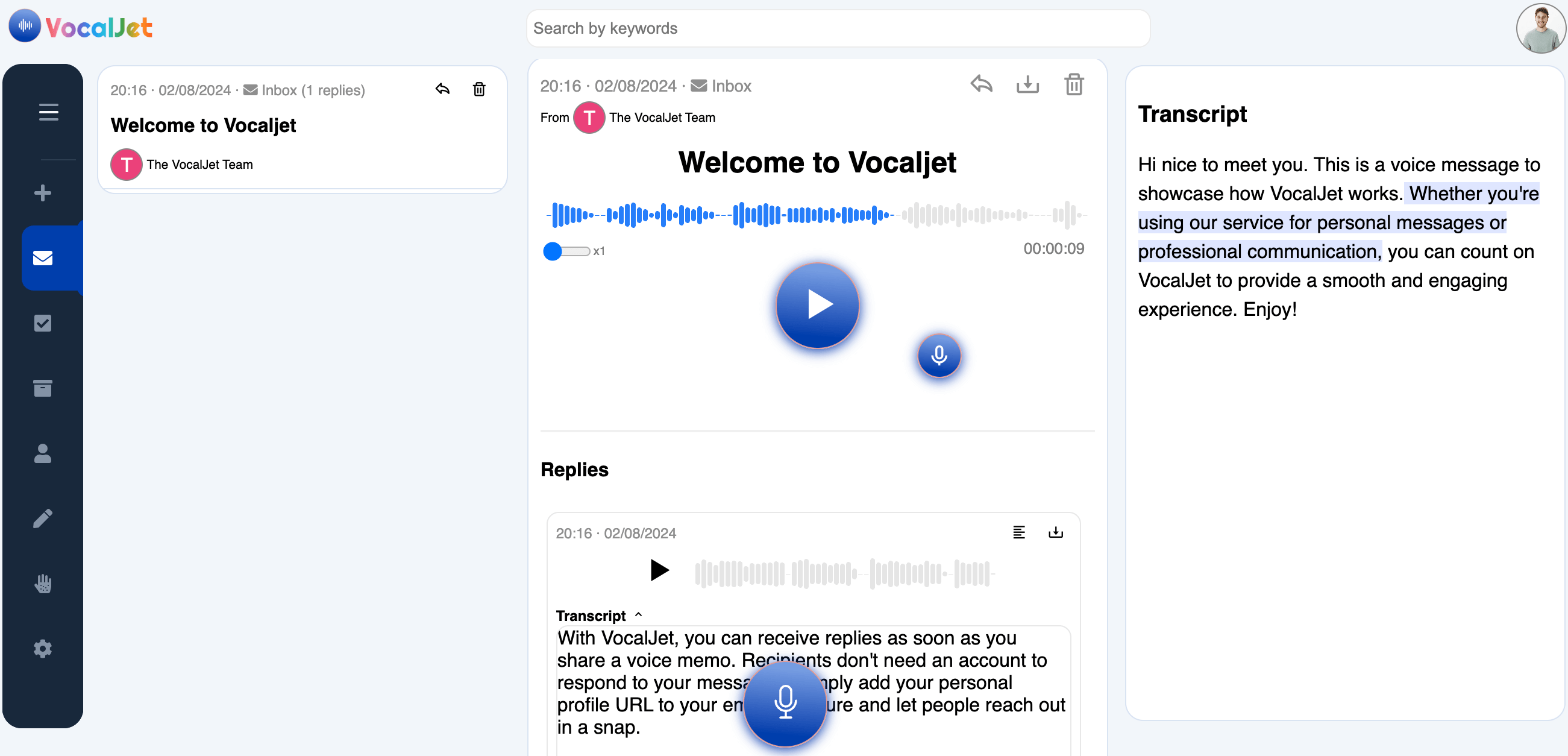
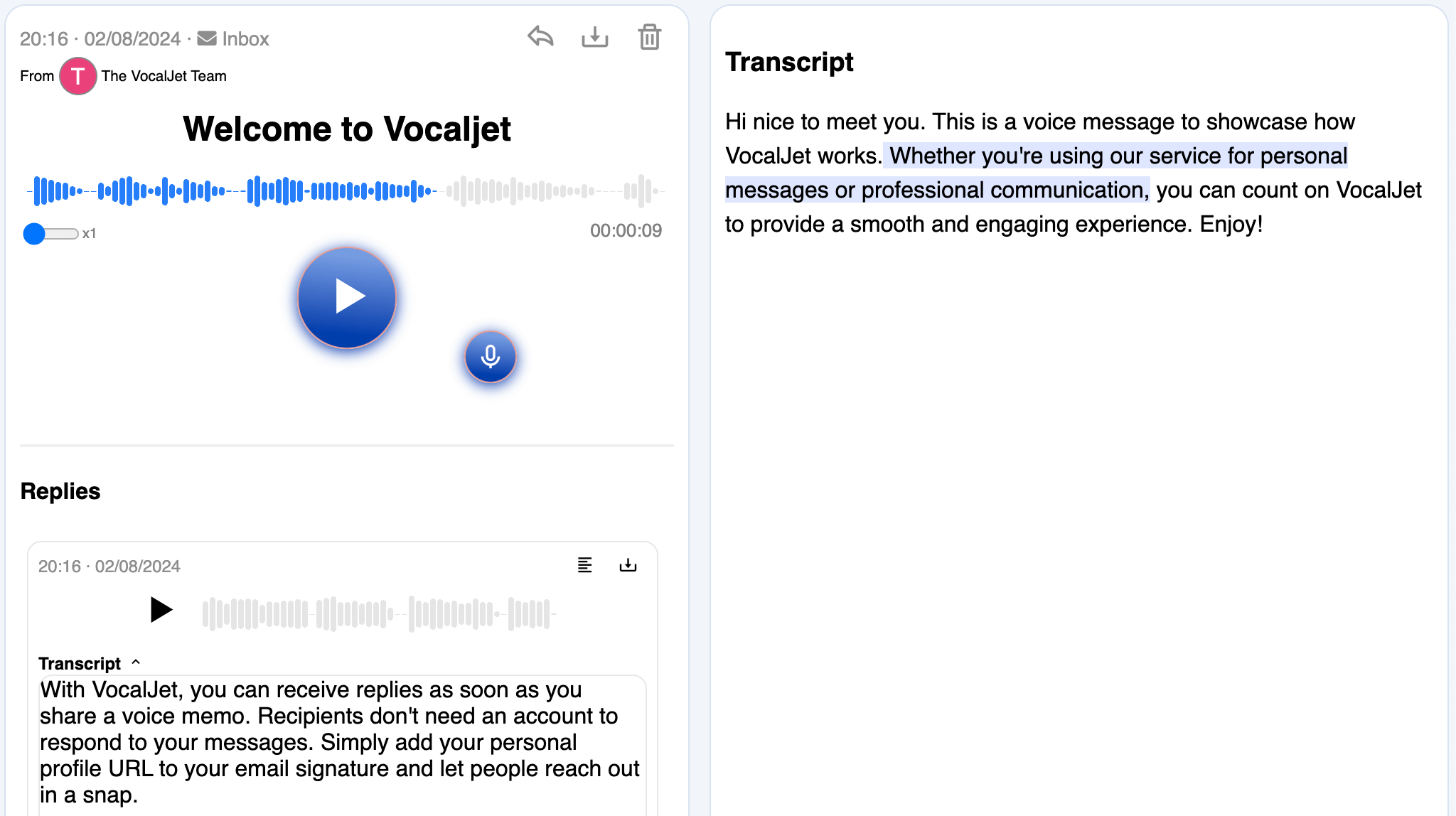
If tone and explanation matter, send the recording’s link in your email app. If the recipient needs searchable wording or a quick decision, review the transcript and compose a written message from it. These are separate routes: a shared audio link does not automatically become a written email.
VocalJet can provide the recording and transcript, plus a Gmail compose shortcut for sharing a link. It does not automatically write or send the project follow-up described here. You choose the recipients and review the final wording.
02Draft three short paragraphs from the checked text
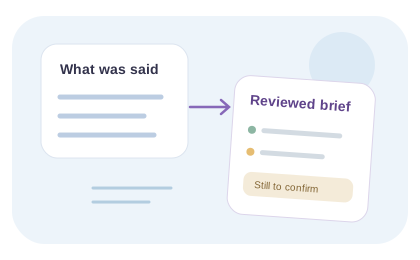
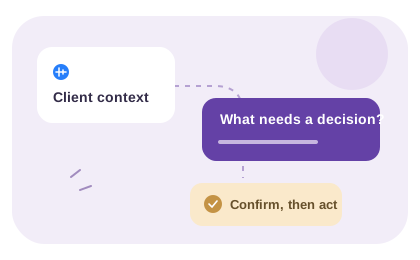
Start with the context: which project and version the voice note concerns. Next state the decisions already agreed, using wording you have checked against the recording. Finish with one clear question or next step, including who should answer.
Do not bury a proposed scope change in a long pasted transcript. Label it as a proposal and request confirmation. Keep the recording reference if the recipient needs the full explanation. This is a reusable editorial email structure, not an automatically generated product output.