01Start with a recording the app can play
Record a short memo in VocalJet, or use an audio-file upload on a plan that includes it. Keep your original file until you have checked the result. An audio file picker is not a guarantee that every container, codec or long recording will process successfully.
Before importing important material, try a short sample of the same file type. Confirm that you hear the intended speech. If it is silent, clipped or the wrong recording, resolve that source problem before judging the transcript.
02Check the result before reusing it
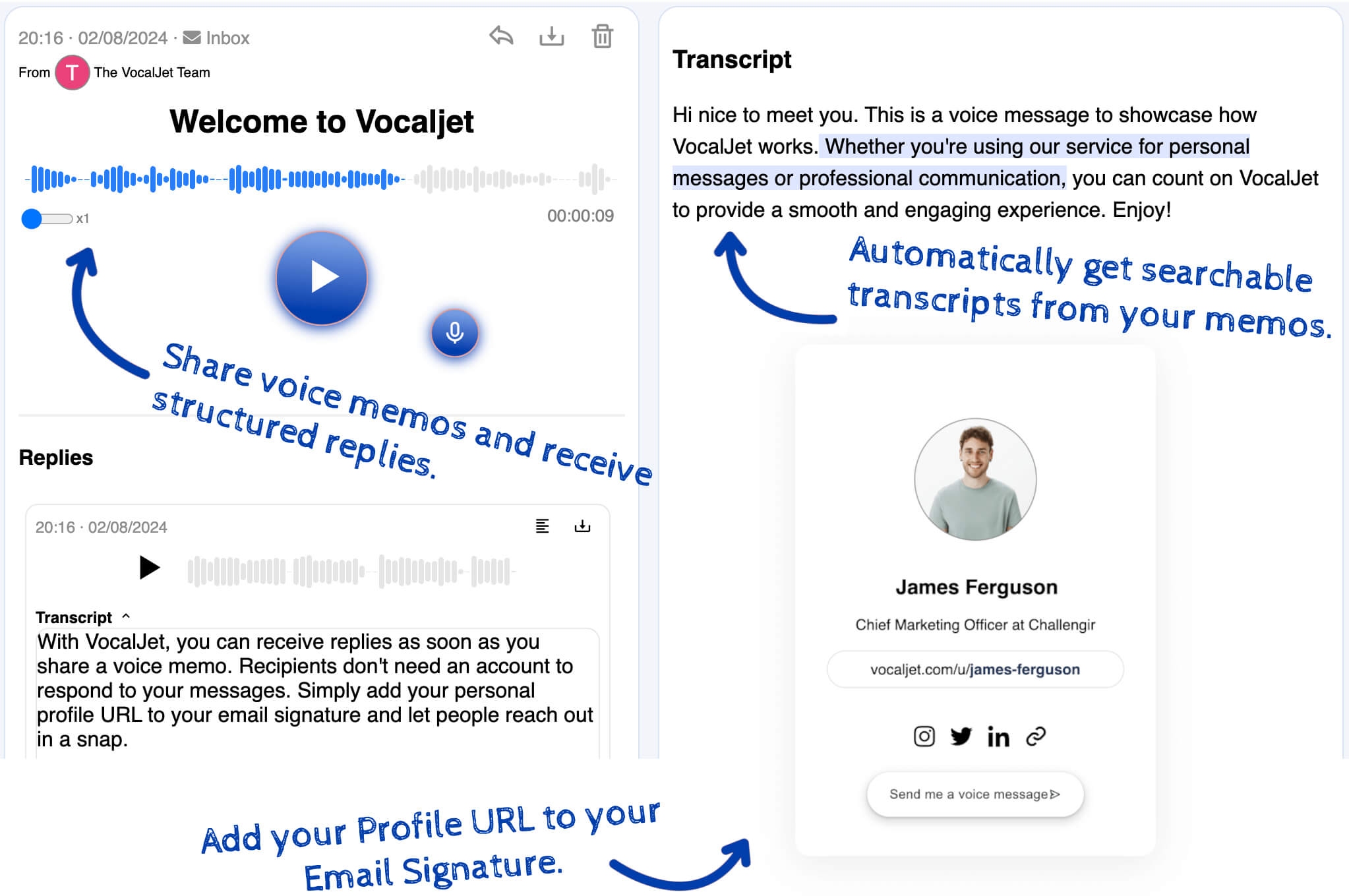
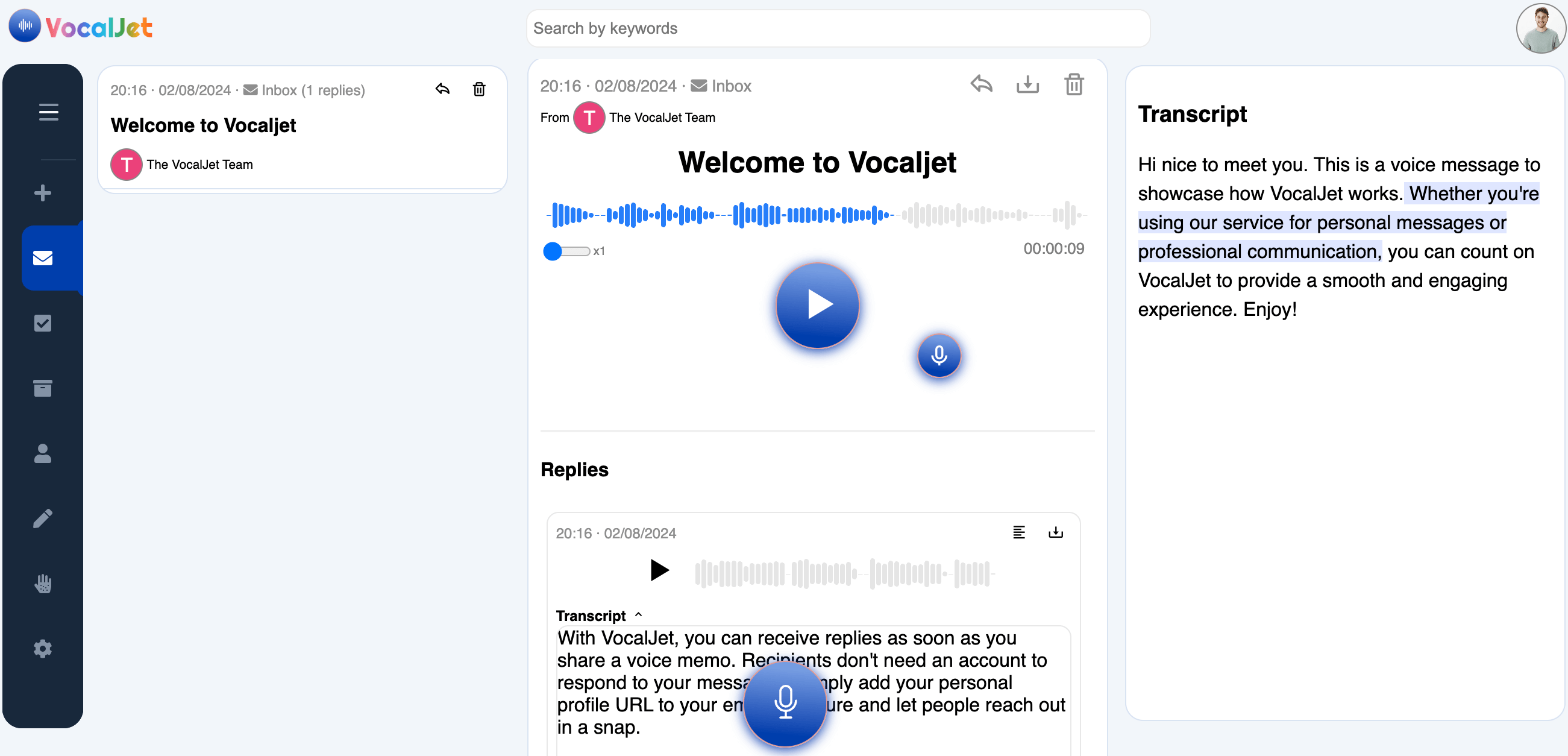
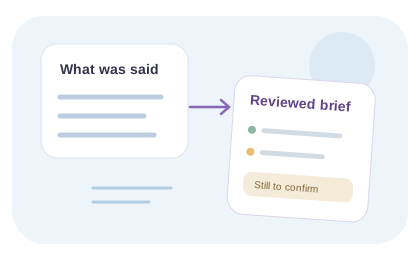
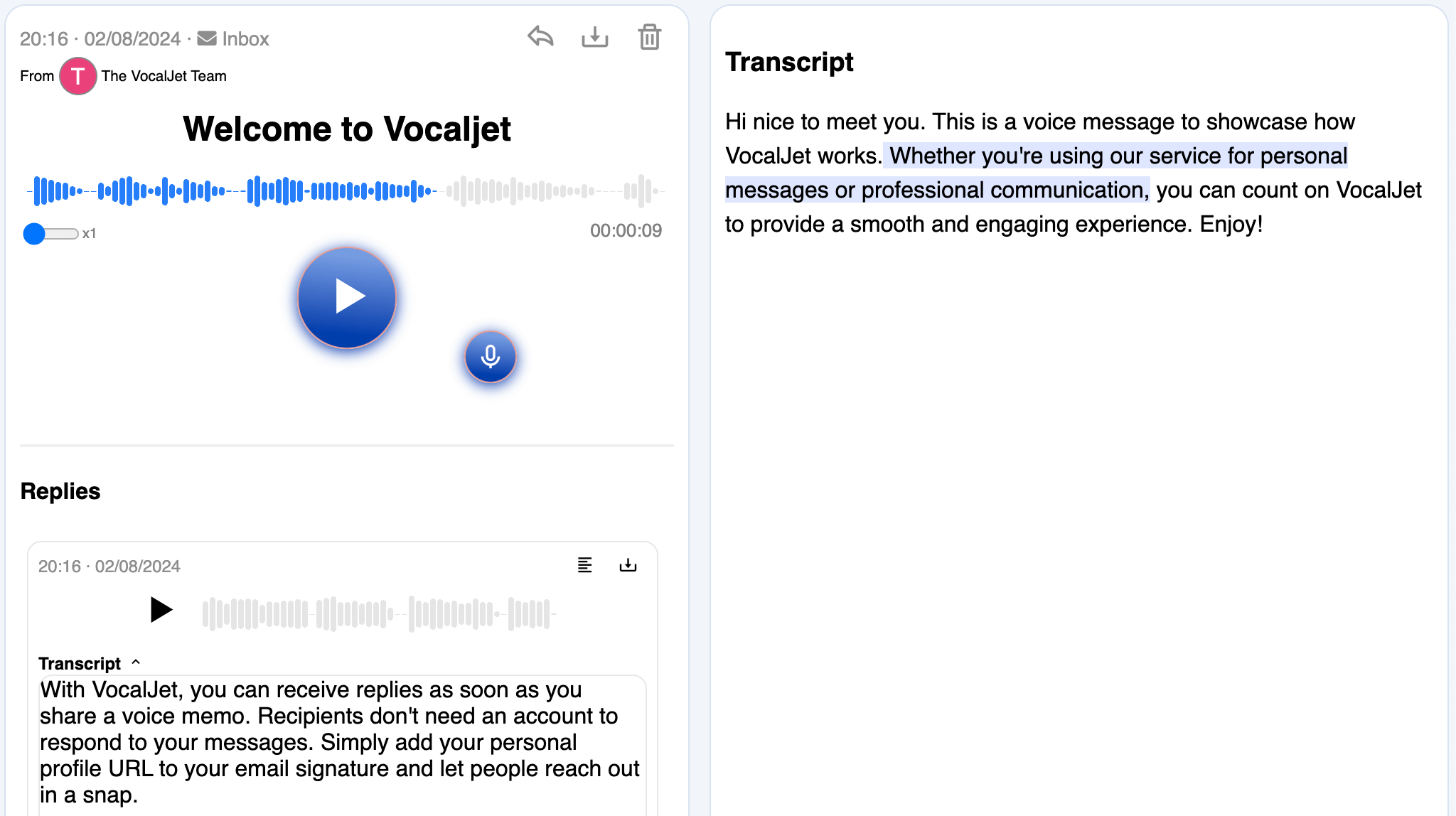
Allow transcription to finish, open the recording and compare important wording with the text. Use the transcript’s timing to return to a relevant moment where available. Check names, amounts and negatives especially carefully, then copy the reviewed text into your document.
If the audio plays but no transcript appears, keep the original, check the account’s current limits and retry with a shorter clear sample or ask support. Do not assume that uploading the same large file repeatedly will fix it. Write any cleaned summary separately from the source transcript.