Agency client feedback
Collect richer revision notes from clients without another status call.

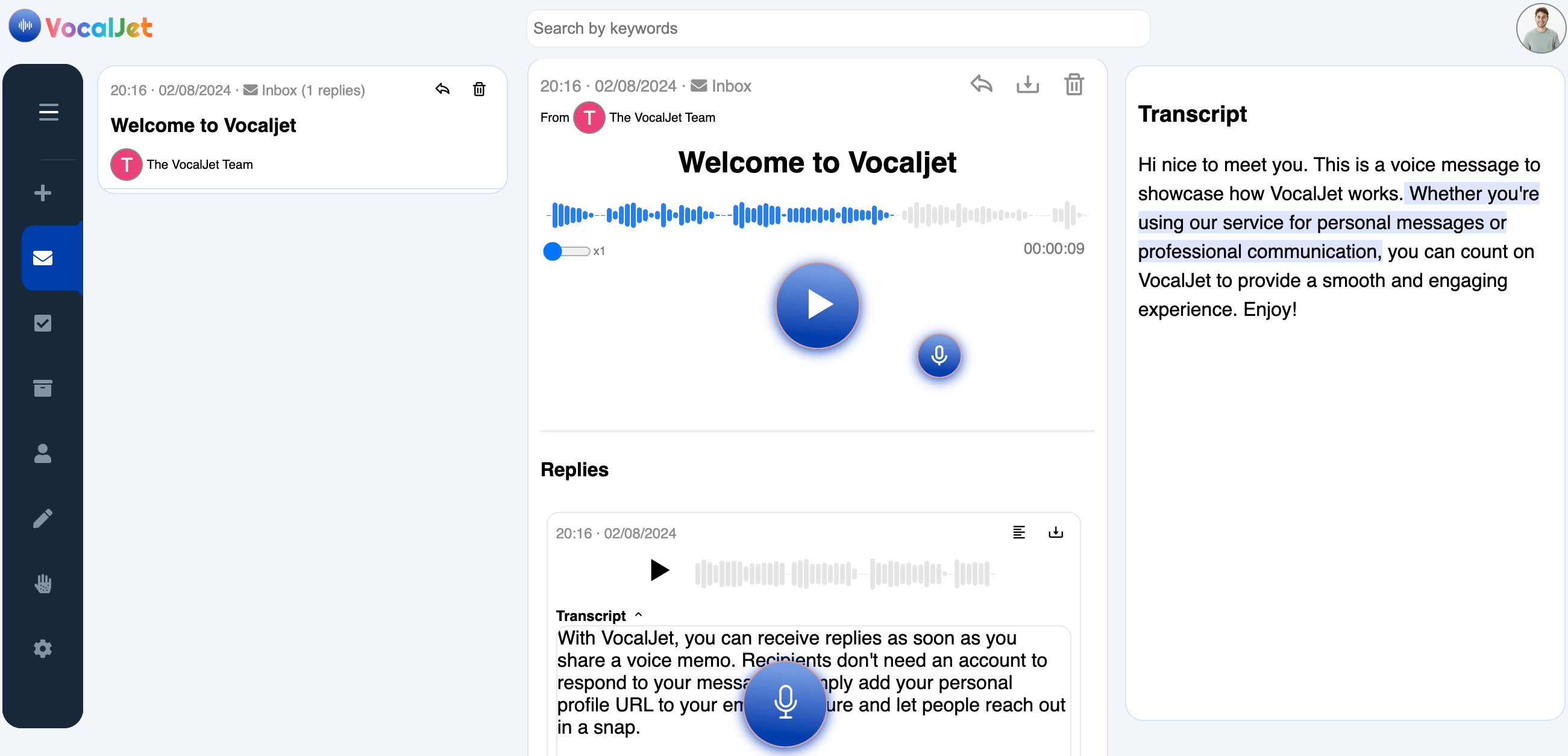
Hi nice to meet you. This is a voice message to showcase how VocalJet works. Whether you're using our service for personal messages or professional communication, you can count on VocalJet to provide a smooth and engaging experience. Enjoy!
Send a VocalJet link by email, in your intake flow, or from your signature.
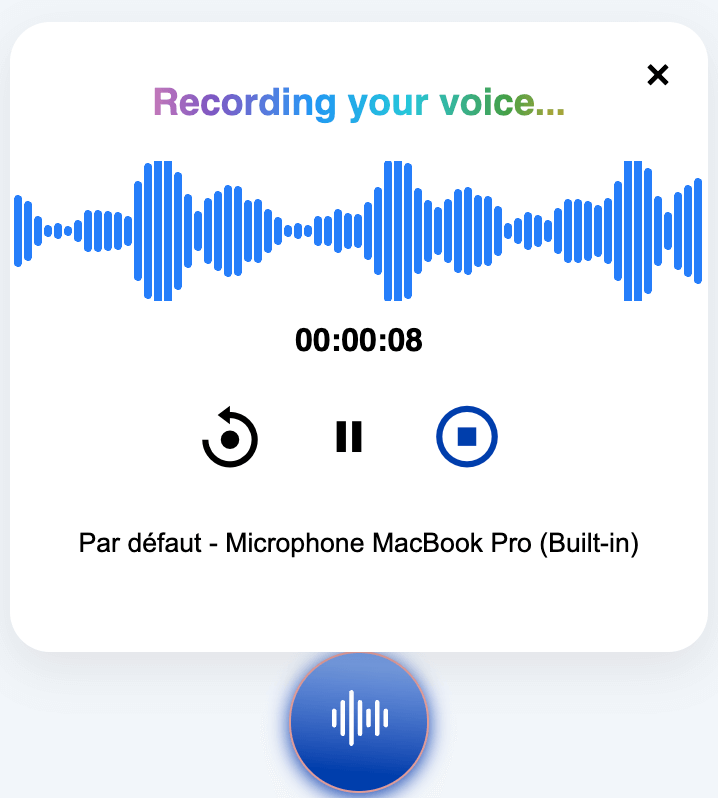
The client records project context, feedback, concerns or revision notes without creating an account.
Listen to the recording, review its transcript, then write down the decisions and questions to confirm.
Client emails are often too short, calls are hard to schedule, and feedback gets scattered across inboxes, Slack threads and documents. VocalJet gives clients an easier way to explain the context in their own words.
Clients talk. Capture their words, review the transcript and build a clearer brief.
Share one link before kickoff, during discovery, or after a revision request.
Clients can leave voice context without joining another tool or learning a new workflow.
Turn vague explanations into clearer goals, constraints, decisions and open questions.
Surface unclear expectations and hidden requests before they become unpaid work.
A voice client intake workflow lets clients explain project context asynchronously. It is useful before proposals, during revisions, after stakeholder reviews and whenever a written email would leave too much ambiguity.
Voice client intake, client intake form alternative, async client feedback and scope clarity workflows are built into the same VocalJet sharing experience.
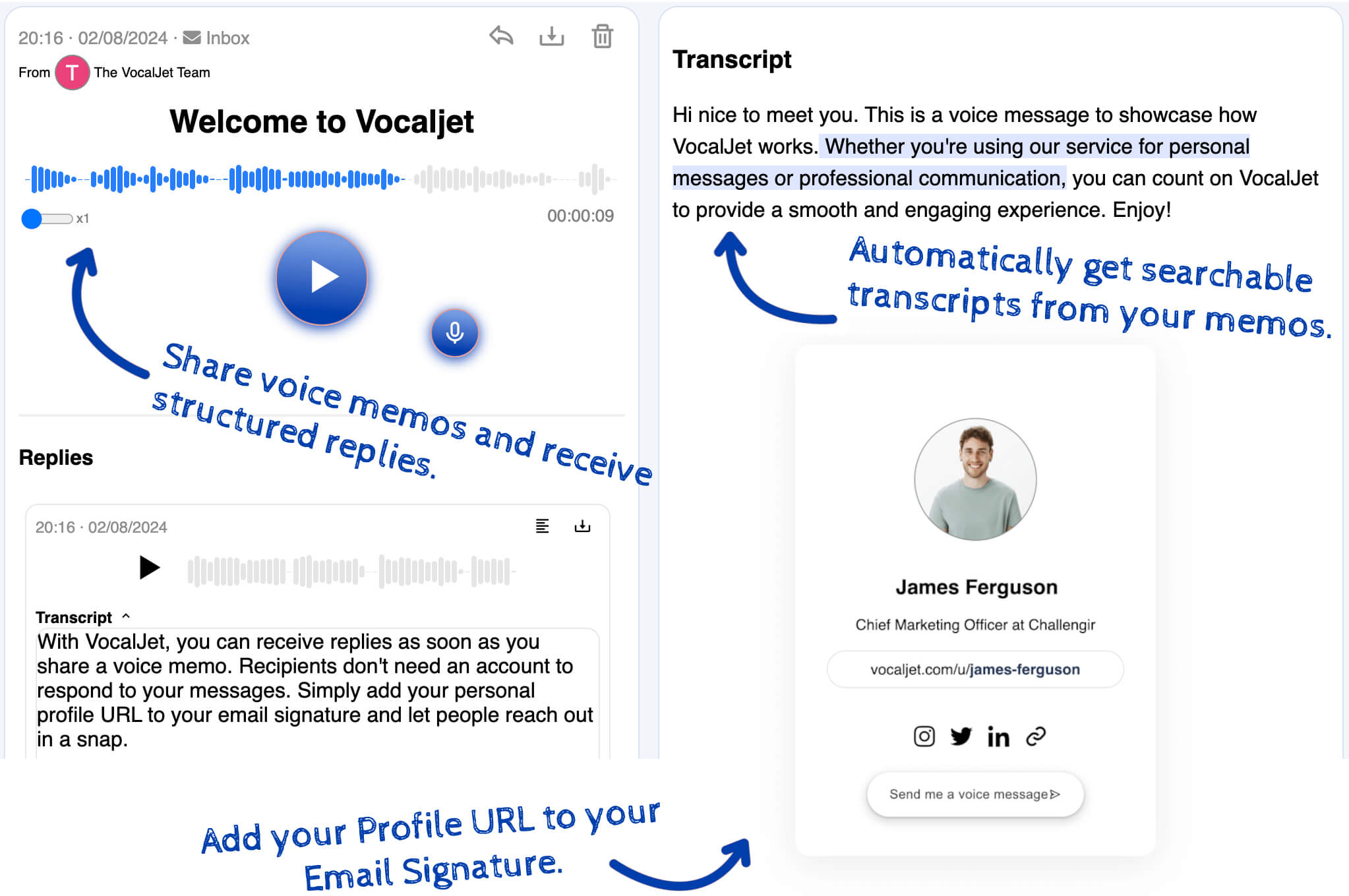
Transcribe a recording and review the text alongside the original audio.
Use the reviewed transcript to write your next steps and a focused follow-up email.
Keep discovery notes, feedback and decisions searchable by project or client.
Send intake links from your inbox, project workspace or email signature.
Built for the everyday client communication problems that slow service businesses down.
Collect richer revision notes from clients without another status call.
Offer a spoken explanation alongside the fields you need for a complete intake.
Collect the context behind a kickoff email and review it into a project brief.
Gather the background, constraints and open questions before a paid session.
Capture nuance, tone and rationale behind design, brand or content feedback.
Spot unclear requests, dependencies and scope risks before work expands.
Review spoken client context into actions and follow-up wording your team confirms.
Keep the original revision request available while your team decides what changes.
Sort client comments into tasks, open questions, scope labels and follow-up text.
Catch vague extra requests before they become unpaid delivery work.
Use the free online template to build, copy and download a client brief before proposal or kickoff.
Use VocalJet when the search intent is not only transcription, but clearer client context that can become work.
| Workflow | Best for | Main weakness | VocalJet role |
|---|---|---|---|
| Client intake form | Repeatable requests with known fields | Clients skip nuance or write short answers | Alternative when context is messy |
| Discovery call | Relationship building and complex decisions | Hard to schedule and easy to lose details | Pre-call voice intake |
| Email feedback | Quick written follow-ups | Scattered context and unclear tone | Async voice feedback |
| Meeting note taker | Live meeting capture | Requires a meeting to happen first | Voice note to action items |
Start with the question you need to answer.
Listen to the app’s welcome message and read its matching transcript.
Find a route for recording, reviewing, organizing or sharing audio.
Download a blank template and review a fictional worked example.
Read how sources, examples and editorial updates are presented.
No. You share a VocalJet voice link, and clients can record their context or feedback without creating an account.
Yes. VocalJet works well when a long form would slow clients down. Clients explain the project by voice, and you get structured context back.
VocalJet does not replace every meeting. It reduces unnecessary clarification calls by collecting richer context before a call or instead of a small status meeting.
Yes. Agencies, freelancers and studios can collect async voice feedback for revisions, creative direction, web projects and consulting work.
You can transcribe the recording, check the text against the audio and copy it for review. Your team decides what belongs in the brief, assigns any actions and writes the reply.
Create your first voice intake link and let clients explain what they need in their own words.