
Project goal: what should be different after this work?
Free client brief template: fill it in and keep a copy
Use your own project details, or load a fictional example to see the structure. No account is needed. Your answers are assembled into a draft you can edit, copy or download.
Your project answers
Your draft brief
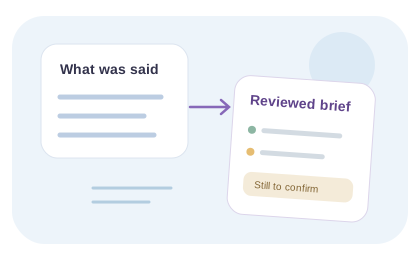
Empty sections are marked “To confirm” so missing details remain visible.
Fill in your answers to assemble a client project brief.
The form uses the answers you enter; it does not record or transcribe audio. Your answers are kept in this page and are not submitted by this tool. Review the draft with the client before agreeing scope, price or dates.
Prefer to ask the client by voice?
Use this prompt: “Tell us what you want to achieve, who it is for, why now, and what would make this project successful. Explain your constraints, who approves the work, what you already have, and what should stay outside the scope. Flag anything you are unsure about.”
Fictional worked example · editorial illustration, not captured app output
Raw input to structured output
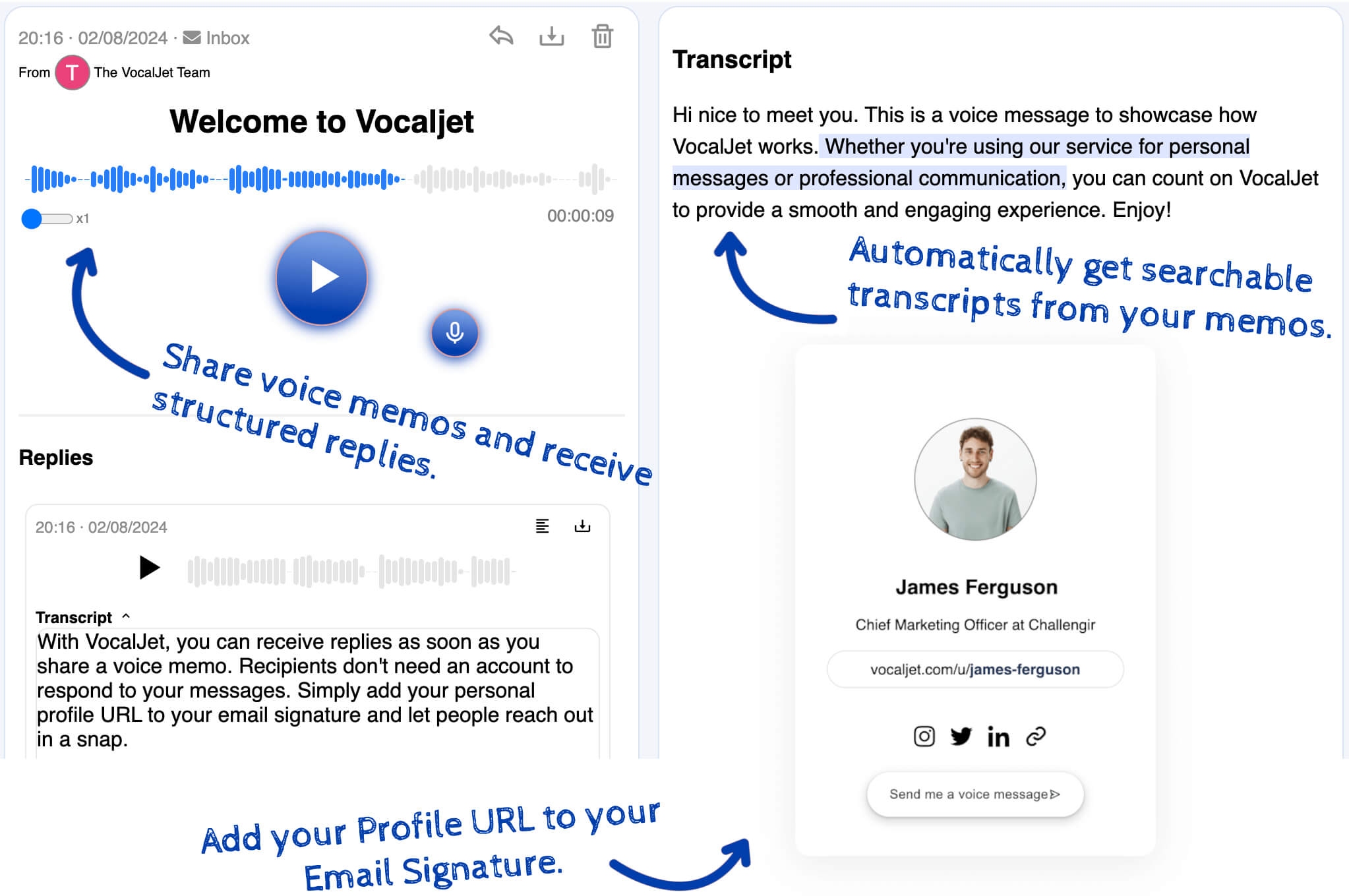
Fictional client context: We need a new landing page for a campaign, but the audience is still being refined and legal has not approved the claims.
FieldStructured output
- Goal
- Launch a campaign landing page
- Constraint
- Audience and claims are not final
- Risk
- Copy and compliance may delay delivery
- Next question
- Which audience and claims are approved for phase one?
Short answer
This free client intake template formats the fields you complete into a brief you can copy or download as text. Start with written answers or a checked voice transcript. It is a manual working document: the builder does not record audio, generate project facts or confirm agreement.
Agency client intake template
Use these sections before a proposal or kickoff:
Why now: what triggered the project?
Audience: who is this for and who approves it?
Current problem: what is not working today?
Deliverables: what does the client think they need?
Constraints: budget, timeline, assets, tools, legal or brand rules.
Out of scope: what should not be included?
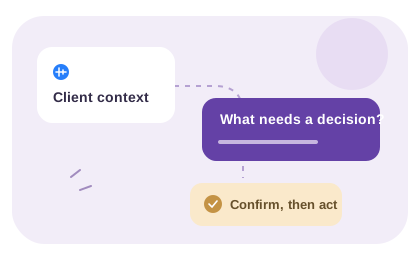
Next step: what decision is needed before pricing or kickoff?
A draft that exposes missing inputs
Use “to confirm” as a working list
The template is useful before every answer is known. Blank sections identify the conversations still needed; they are not an invitation to invent a budget, a decision owner or a delivery date.
Fill the template with confirmed information
Use the client’s written answers or a voice transcript you have checked. For each field, distinguish a statement from an interpretation. Leave an unanswered question visible as “to confirm” instead of treating an empty field as permission to assume.
For a fictional website brief, list the pages included in the first delivery separately from an optional later integration. Record who supplies copy and who approves it. A precise dependency is more useful than a confident but unsupported deadline.
Keep a copy and review the draft together
The builder formats the answers entered in this browser page. It does not record audio, transcribe a file or generate new project facts. Use its copy or text-download control and keep the draft in your project documents; do not rely on leaving the tab open as your record.
Before proposal or kickoff, confirm deliverables, exclusions, dependencies and the approver with the client. Record later changes separately so the brief remains a useful reference. A generated document layout is not proof that both parties have agreed its contents.
Before exporting, review three fields together: “Deliverable: [what will exist]. Dependency: [what must arrive first, from whom]. Approval: [who can accept the result].” An unknown owner stays “to confirm.” For a website-specific starting point, use the website brief checklist and retain only the fields your project needs.
Intake template vs intake workflow
A template asks the right questions. A workflow turns the answers into a brief the team can use.
Option
Static template
Best for
Repeatable questions
Consider
Clients may answer too briefly
Output
Filled fields
Discovery call notes
Best for
Live nuance
Consider
Scheduling and cleanup work
Output
Raw notes
Voice intake prompt
Best for
Context-heavy projects
Consider
Needs a reviewer to organize the explanation
Output
Natural explanation
VocalJet intake workflow
Best for
Agencies that need clarity before scoping
Consider
Requires team review
Output
A brief assembled from your reviewed information
Best use cases
-
Agency lead intake
Collect enough context before deciding whether to book a call.
-
Proposal prep
Turn vague requests into scoping questions.
-
Project kickoff
Confirm goals, stakeholders, constraints and exclusions.
-
Retainer onboarding
Capture recurring context before monthly work starts.
Common questions
What does the brief builder do with my answers?
It formats the information you type into a readable draft and provides copy and text-file download controls. It does not transcribe audio, create new project facts or approve the scope.
What should I enter when an answer is missing?
Use “to confirm” and state the question that remains open. If possible, name the person who can answer it. Do not invent a budget, deadline or approver just to make every field look complete.
How should I keep the completed draft?
Use the copy or text-download control and save the result with your project documents. Keep the source answers and later approvals separately. Do not rely on leaving the browser tab open as your only record.
Can I start from a client voice note?
Yes. Review the recording and transcript in VocalJet, then manually enter the checked information in the template. Keep uncertain wording visible and ask the client to confirm the draft before it becomes a delivery reference.

Create a voice workflow
Fill in a working client brief, then copy or download it. Use confirmed answers, leave missing decisions visible and keep the draft with your project documents.