Voice feedback for agencies and creative teams


Ask clients why a design feels wrong, not only what to change. Pair the spoken rationale with the exact version or visual reference, then let the creative lead propose and confirm the revision.

Agency client feedback with VocalJet
VocalJet app preview

A creative reaction needs a reason and a reference

Voice feedback for agencies gives clients a lightweight way to explain creative direction, revision requests, concerns and approvals in their own words.

VocalJet client context workspace
VocalJet app preview
Creative review without guesswork

Anchor the feedback to a version and a goal

A voice note can explain the reason behind a reaction. Pair that explanation with a clear reference so the agency knows which version and audience the comment concerns.

Ask for the reason behind the reaction

Ask the client to identify the version and the part of the work they mean. “The headline feels wrong” needs a reason: does it misstate the offer, sound unlike the brand or speak to the wrong audience? Let the client explain the intended effect before prescribing a new design.

A spoken explanation works well for rationale and tone. Use a screenshot or annotation for an exact location, and request final spelling or copy in writing. Voice should complement the visual reference, not force the team to guess which element is being discussed.

Keep creative judgment and approval separate

Review the transcript and label the comment as a factual correction, personal preference or agreed requirement. Discuss alternatives where the proposed solution does not address the underlying problem. Record who can approve the direction.

The creative lead then writes the change and its acceptance check in the team’s project workspace. A recording preserves the explanation; it does not authorize extra deliverables or automatically turn every reaction into an assigned task.

Suggested creative prompt: “On [version and area], what should the audience understand or feel, and what feels different now?” Follow with an annotation for placement or written copy for exact wording. In the fictional Cedar revision, a headline reaction needs a different decision from adding a new language.

Hear the reasoning behind the creative reaction

Use voice feedback to understand the audience, tone and intended effect behind a creative reaction. Keep the design reference beside the recording, request final wording in writing and separate preference from an approved requirement. The agency reviews the transcript and decides how to respond.

Use the review steps below with the recording and transcript. The judgments, written decisions and delivery handoff are your team’s work.

  1. Audience and effect

    Ask what the design should communicate and to whom.

  2. Reference and location

    Keep a screenshot, annotation or version link beside the spoken explanation.

  3. Preference or requirement

    Check whether a reaction reflects taste, a factual problem or an agreed constraint.

  4. Creative response and approval

    Your lead proposes the revision; the named client approver confirms the direction.

Inside VocalJet
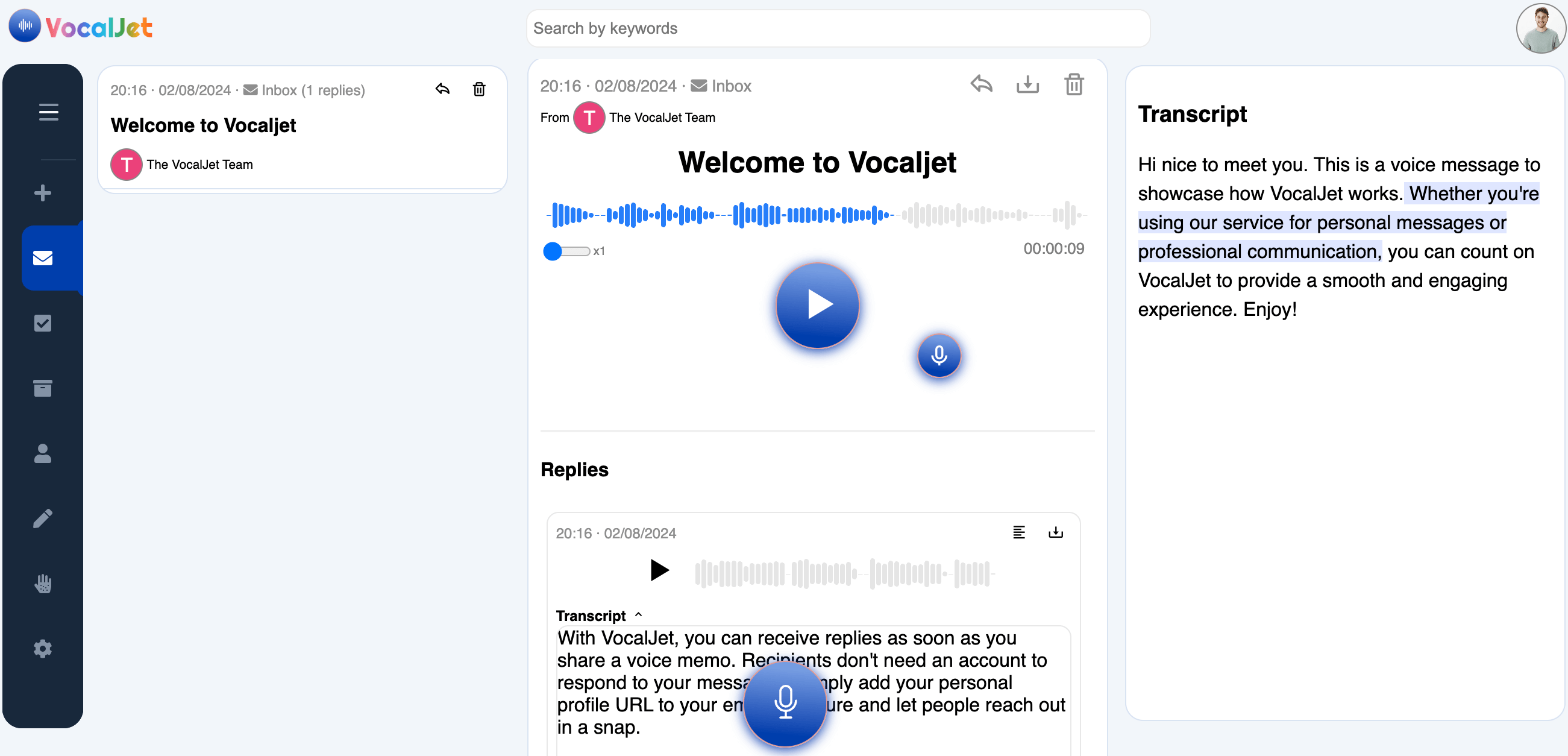
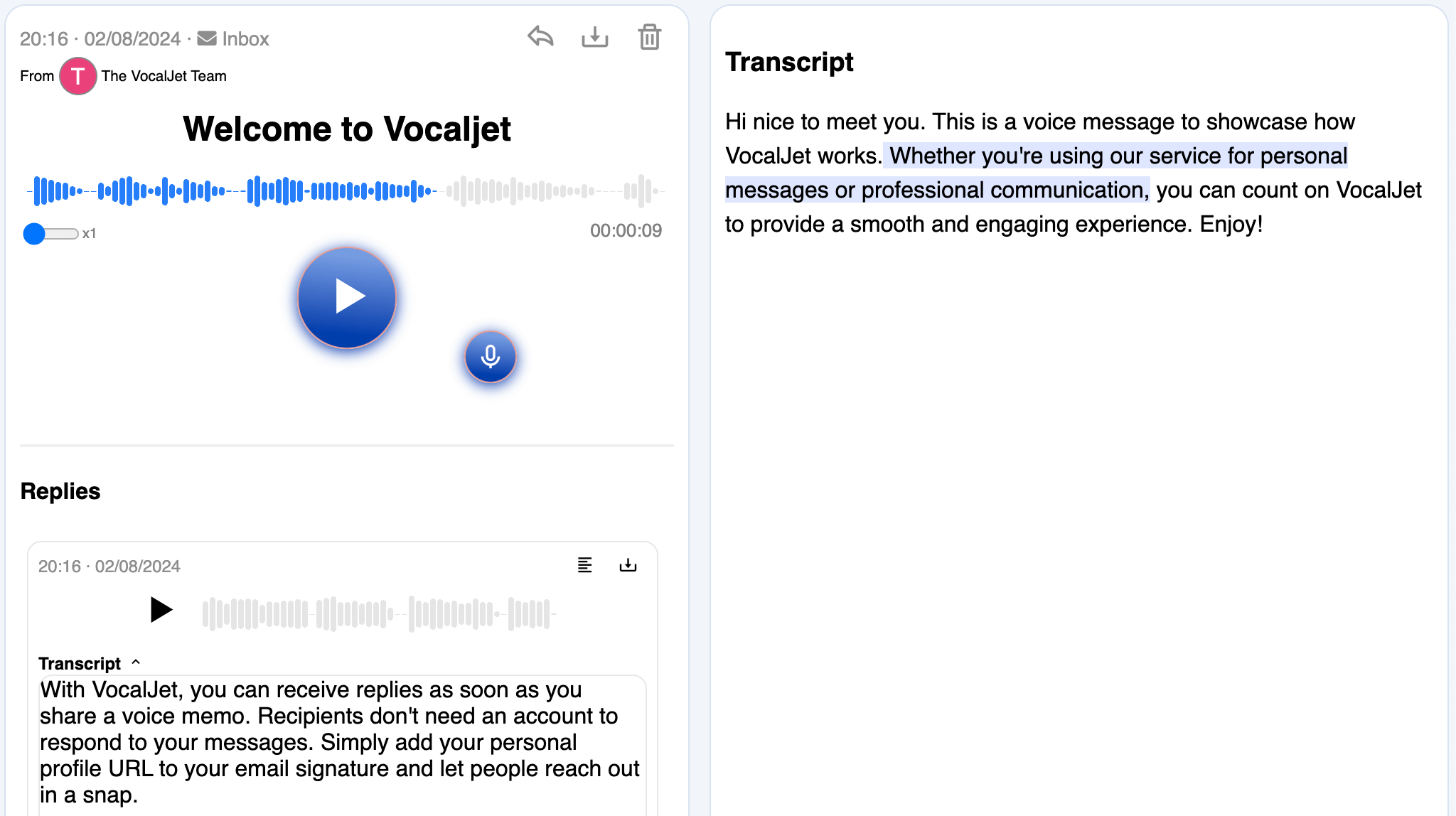
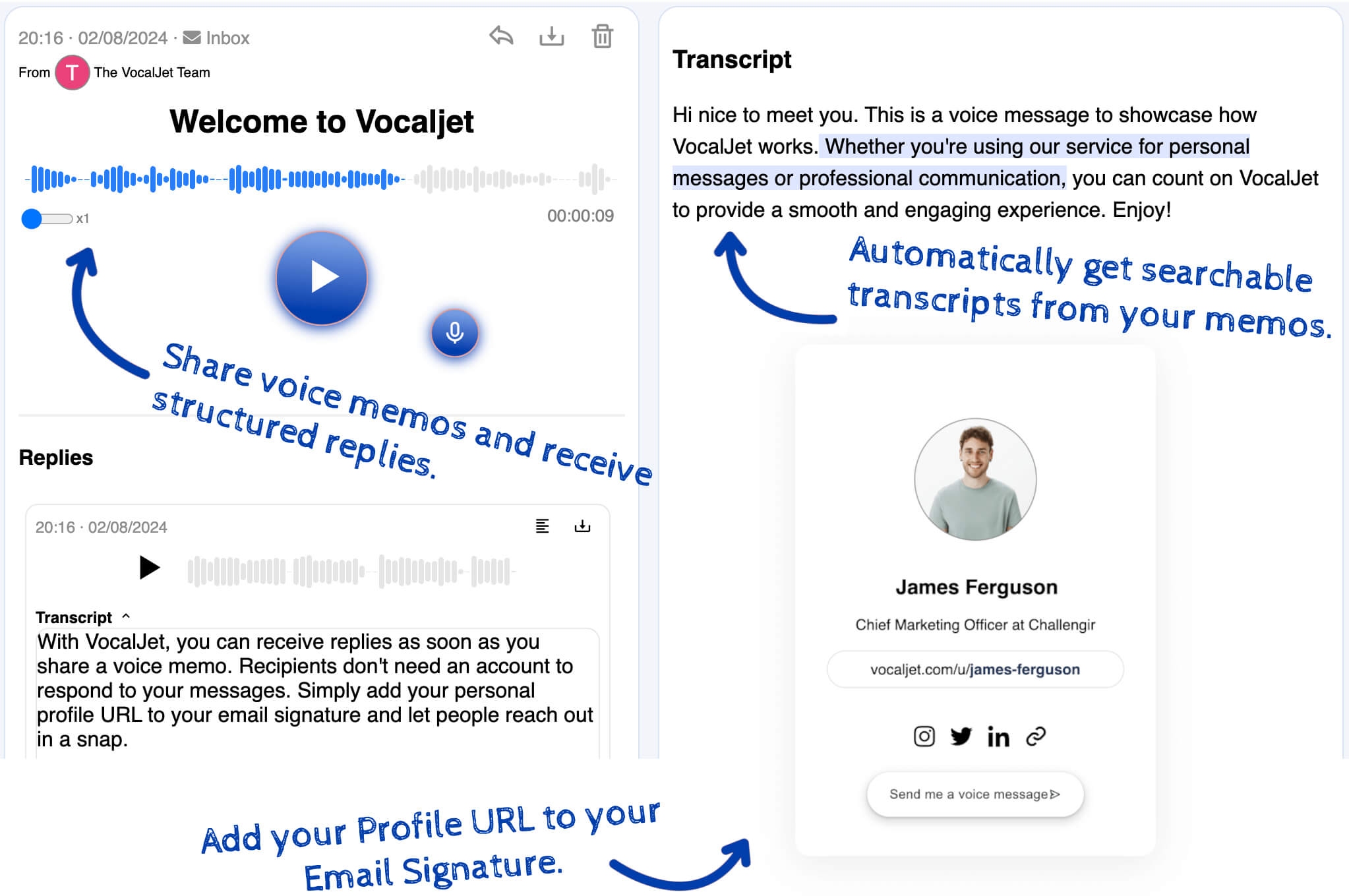
VocalJet welcome message with its transcript and reply in the app
App preview · recording, transcript and reply

How it works

  1. Reference the version

    Send the visual asset or page reference alongside a focused feedback question and voice link.

  2. Capture the rationale

    Ask the client which outcome is missing and whether their comment is a preference or a requirement.

  3. Agree the revision

    Review the transcript, discuss alternatives and confirm the change and approver before assigning it.

Built for

Service teams that need clear context before they commit time, budget or deliverables.

  1. Consultants

    Capture discovery context, stakeholder priorities and unanswered questions before a session.

  2. Agencies

    Collect client feedback and revision context without scattering it across inboxes.

  3. Freelancers

    Capture voice notes and transcripts; use your team’s review to create briefs, actions and follow-ups.

  4. Studios

    Clarify creative direction, scope boundaries and client expectations asynchronously.

Common questions

What should I ask when a client says a design feels wrong?

Ask which version and element they mean, who the audience is and what effect they want. Separate a factual error from a preference or a proposed solution before deciding on the revision.

When should I ask for an annotation instead of voice?

Use an annotation or screenshot for exact placement, spacing or a specific element. Voice can explain the reason behind the reaction. Request final copy, names and spelling in writing rather than reconstructing them from speech.

Who decides which creative revision to make?

The creative lead proposes the response to the underlying problem, and the agreed client approver confirms the direction. A stakeholder’s recorded preference is useful context but is not automatically approval or authorization for extra work.

How do I separate a revision from an extra deliverable?

Compare the requested outcome with the agreed work and revision allowance. Record a new language, format or integration as a question until coverage and approval are confirmed. VocalJet does not classify the contract for you.

Does VocalJet create the creative tasks?

No automatic task creation is represented here. VocalJet captures and transcribes the explanation. Your agency writes the change, completion check and follow-up, then assigns accepted work in its project system.

VocalJet

Create your first voice intake link

Ask clients why a design feels wrong, not only what to change. Pair the spoken rationale with the exact version or visual reference, then let the creative lead propose and confirm the revision.

VocalJet app preview