Short answer
The core answer is visible early for buyers, snippets and AI retrieval.
Google Forms vs VocalJet
Google Forms is useful for field collection. VocalJet is built for narrative project context.
| Option | Best for | Where it breaks | Output |
|---|---|---|---|
| Google Forms | Free structured field collection | Generic experience and thin answers | Basic spreadsheet-ready data |
| Email intake | Fast informal follow-up | Scattered and hard to compare | Messy context |
| Discovery call | Live clarification | Takes time and creates notes to clean up | Rich context |
| VocalJet | Voice-first project intake | Requires review and confirmation | Structured brief, risks and actions |
Best use cases
Prioritize this workflow when the buyer needs clarity before delivery work starts.
Agency lead intake
Get richer pre-call context without asking for another form.
Freelance project scoping
Hear what the client actually means before pricing.
Complex support requests
Let the client describe the issue and constraints by voice.
Scope clarification
Ask what is out of scope and capture the answer in the brief.
Workflow steps
Use a short voice prompt
Ask for goal, why now, current problem, constraints and out-of-scope items.
Let the client record
They can answer naturally without signing up.
Send back a confirmation
Use the structured summary and risks to clarify scope.
Related pages
Explore adjacent workflows in the VocalJet client context cluster.
Common questions
Is VocalJet better than Google Forms?
For simple field collection, Google Forms is enough. For messy project context and scope clarity, VocalJet captures more useful information.
Can I use VocalJet with my existing form?
Yes. Use the form for fixed details and VocalJet for open-ended context that clients would struggle to write.
Do clients need to install anything?
No. They can record from a shared link in the browser.
What output does VocalJet create?
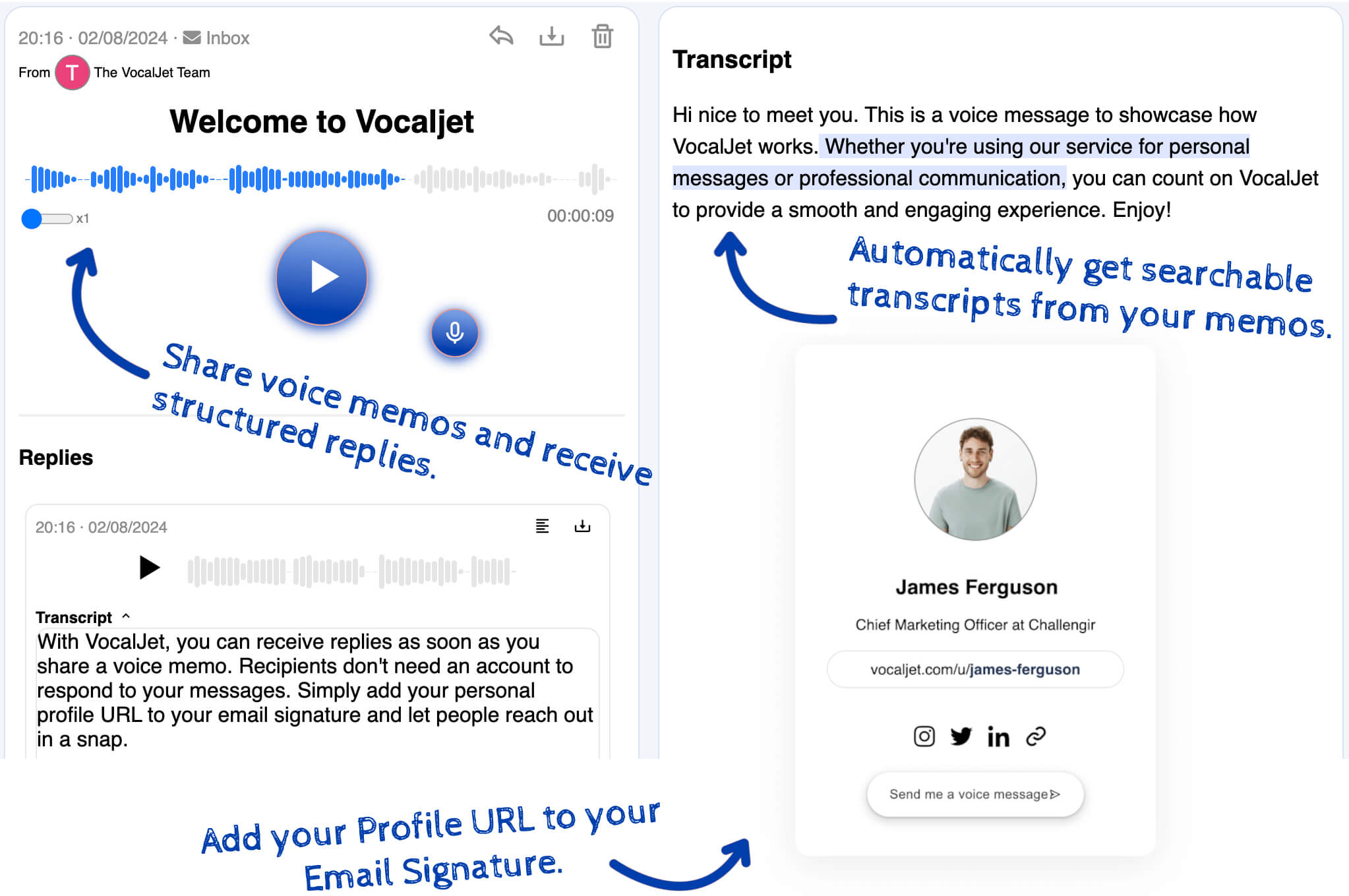
A transcript, summary, structured brief, scope risks, action items and follow-up-ready email text.

Create a voice intake link
Turn client context into a brief, risks, actions and a follow-up email before work gets unclear.