Turn client voice notes into action items


Start with what the recording actually says. Locate each request, check names and qualified wording, and keep a source reference before writing or assigning an action.

Voice notes to tasks with VocalJet
VocalJet app preview

Keep the recording beside the task

A client voice note to action items workflow turns spoken client context into specific next steps your team can review, assign and confirm.

VocalJet client context workspace
VocalJet app preview
A reliable handoff

Keep the action connected to its source

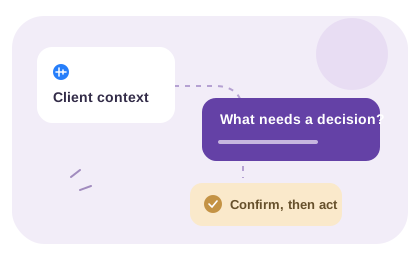
Before a voice note becomes a task, check the exact passage behind it. A transcript is a useful record, but the task also needs a clear request, a responsible person and any decision that blocks progress.
Listen for separate requests, not sentence boundaries

A single voice note may jump from a copy correction to a launch concern and then return to the original point. Group statements by the requested outcome. Keep their place in the recording so another reviewer can check tone or qualifying words.

For example, “perhaps we should add a second language later” is a proposal to discuss, not an instruction to start translation. Preserve “perhaps” and “later” in the review note. If the speaker changes their mind during the recording, use the final clarification or ask them to confirm.

Copy only reviewed tasks into the delivery system

Write each agreed task with the requested change, its reason and a completion check. Put unresolved questions beside it rather than hiding them inside a broad task title. Assign the owner and date in the project system after the relevant person accepts the work.

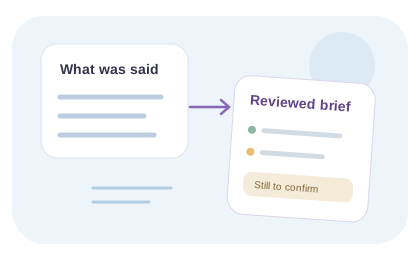
VocalJet transcribes the voice note and lets you copy the text. Task extraction, prioritization and assignment are your review steps. A transcript is useful source evidence; it is not itself a task list or proof that the client approved your interpretation.

Manual source note: “Recording and moment: [reference]. Exact request: [checked wording]. Qualification: [perhaps, later, if]. Interpretation: [your reading]. Confirmation needed: [question].” Compare the written input with the fictional Cedar review notes; its proposed actions were prepared manually, not extracted by the product.

Check the voice note before writing the action

To review a client voice note, listen for separate requests, return to their place in the recording and check the transcript. Preserve uncertainty and changes of mind. Write the proposed actions yourself, then confirm scope and ownership before copying them to your task manager.

Use the review steps below with the recording and transcript. The judgments, written decisions and delivery handoff are your team’s work.

  1. Locate the source

    Return to the moment in the recording that supports the requested change.

  2. Preserve uncertainty

    Keep “perhaps,” “later” and other qualifications visible in your review notes.

  3. Resolve contradictions

    Check later corrections or ask the speaker to confirm their intended meaning.

  4. Write and assign after review

    Prepare the actions yourself and confirm owners and dates in your project system.

Inside VocalJet
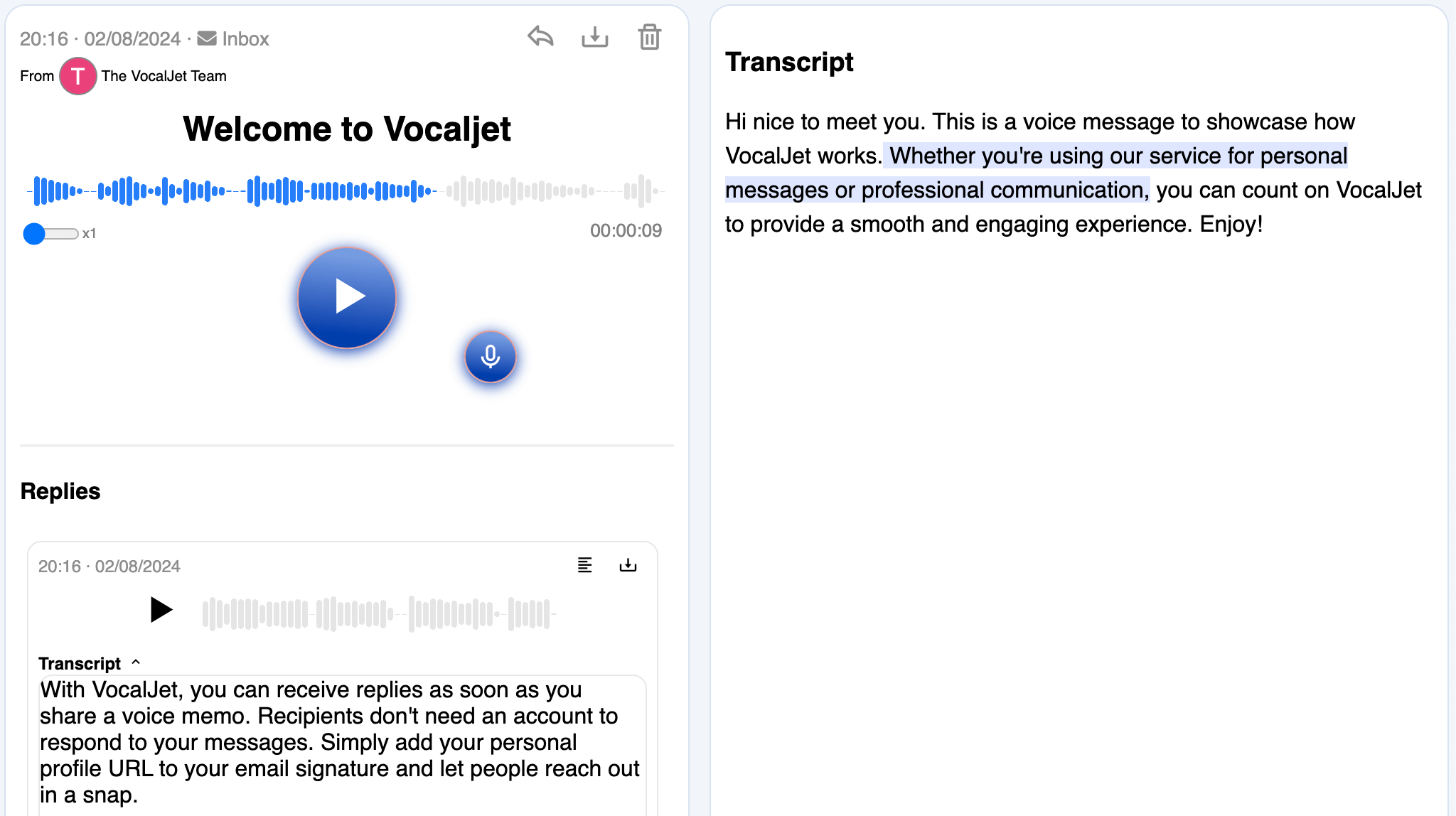
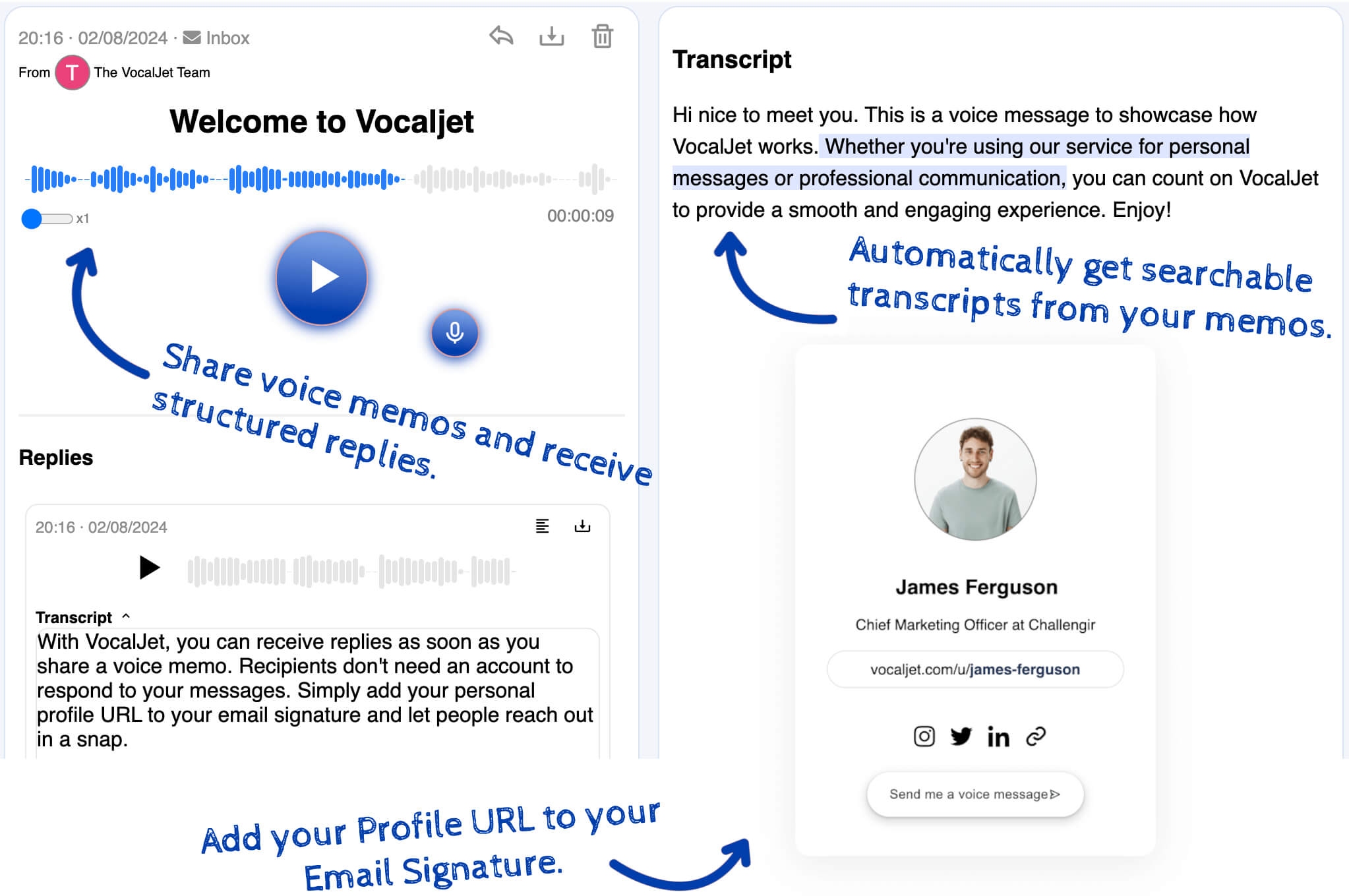
VocalJet welcome message with its transcript and reply in the app
App preview · recording, transcript and reply

How it works

  1. Locate each request

    Listen for separate outcomes, including requests that return later in the voice note.

  2. Separate tasks from questions

    Keep the source reference and note any approval or scope decision that blocks the work.

  3. Assign after review

    Copy agreed tasks into your project system and confirm the owner, date and completion check.

Built for

Service teams that need clear context before they commit time, budget or deliverables.

  1. Consultants

    Capture discovery context, stakeholder priorities and unanswered questions before a session.

  2. Agencies

    Collect client feedback and revision context without scattering it across inboxes.

  3. Freelancers

    Capture voice notes and transcripts; use your team’s review to create briefs, actions and follow-ups.

  4. Studios

    Clarify creative direction, scope boundaries and client expectations asynchronously.

Common questions

What should I check in the transcript before writing tasks?

Replay names, numbers, dates and qualifiers that could change the task. Check whether the speaker corrected an earlier statement. Keep the recording reference so another reviewer can return to the source.

What if one voice note jumps between several requests?

Group statements by intended outcome rather than sentence order. Keep a source reference for each group and revisit the recording if a later clarification changes an earlier request. Do not combine unrelated actions into one broad task.

How should I handle words such as “maybe” or “later”?

Keep the uncertainty in the review note. A possible future feature becomes a question to confirm, not an instruction to begin work. Ask about the intended timing and decision before proposing an owner or deadline.

Does copying the transcript create tasks in my project tool?

No. Copying provides text. You review and write the actions, then paste accepted work into the project tool and assign owners and dates there. No automatic task creation or synchronization is implied.

What happens after the source wording is checked?

Apply the action-item rubric: confirm the requested outcome, scope, dependencies and completion check. Keep unresolved decisions separate, and obtain the relevant agreement before assigning the work.

VocalJet

Create your first voice intake link

Start with what the recording actually says. Locate each request, check names and qualified wording, and keep a source reference before writing or assigning an action.

VocalJet app preview