Voice intake form for client projects


Set up a clear invitation to record. Choose a profile link for a new enquiry or a saved recording for a reply, then tell the client what to explain and what happens next.

Voice Intake Form for Client Projects | VocalJet
VocalJet app preview


Short answer

To set up a voice intake invitation, choose a new-message profile link or share a saved prompt recording. Add one question and the project reference in your email. The client records in a browser, provides a name and can send without a VocalJet account. This is an open voice response, not a form with required project fields.
A better recording prompt

Make the invitation easy to answer

A voice invitation needs a purpose, a starting point and a clear expectation for what happens next. A long list of questions can be just as tiring aloud as it is in a written form.

Choose the right link before you invite the client

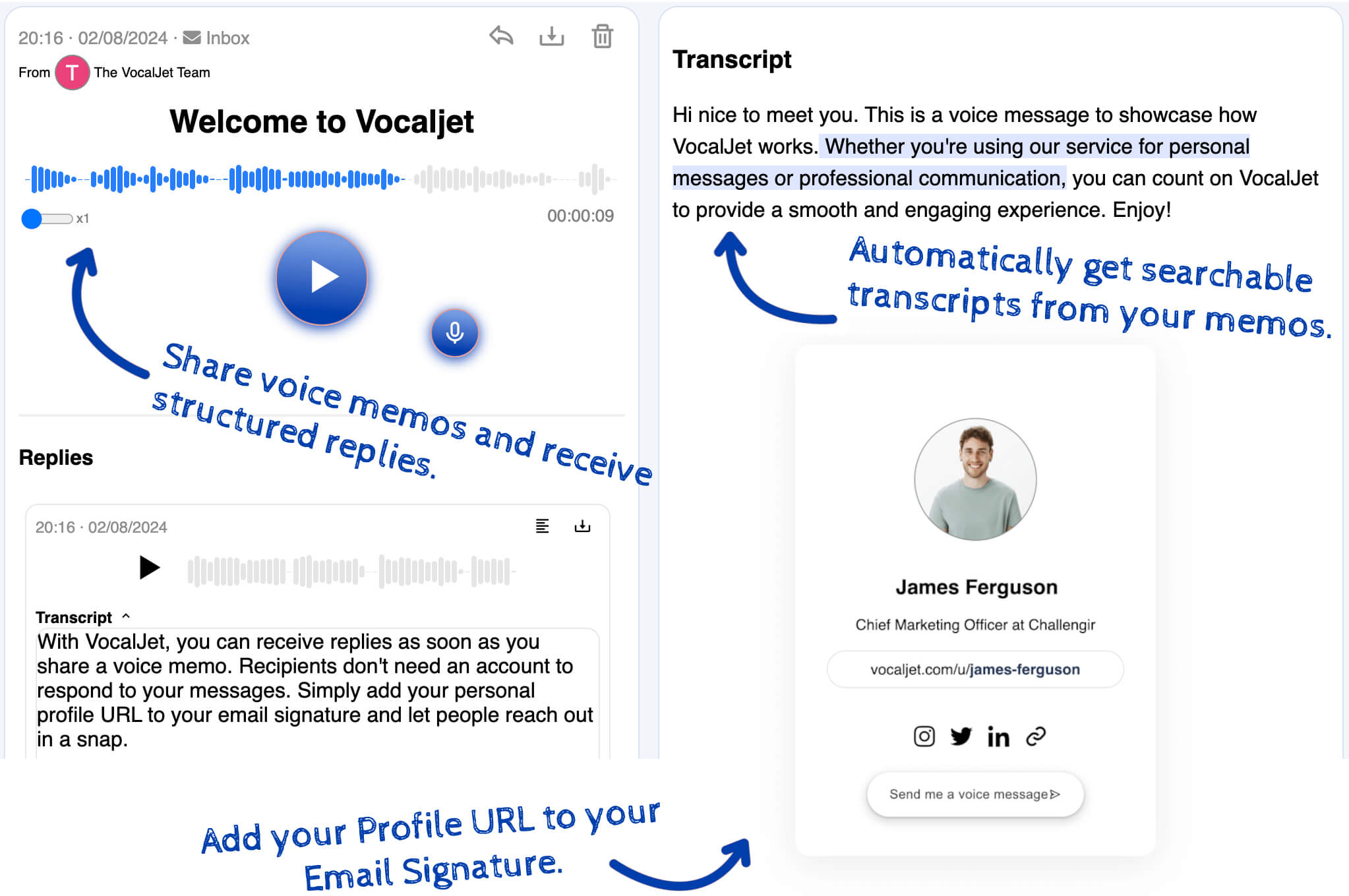
For a new enquiry, share your VocalJet profile link: it opens a page with “Send me a voice message.” If you want the client to hear your question first, record and save a prompt, then share that recording’s voice-message link. A profile link starts a new message; a recording link keeps the reply connected to your prompt.

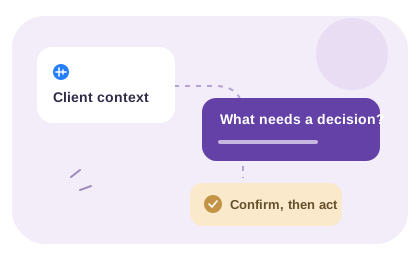
In the accompanying email, name the project and ask one main question. For example: “What needs to change on the website, why does it matter now, and what is already decided?” This is an editable invitation, not a sample customer result. Ask for exact URLs, names and dates in writing.

Explain what happens on the client’s side

The client opens the link in a browser, allows microphone access and records the answer. Sending asks for a name; email is optional, and a VocalJet account is not required. Keep the request short and offer a written reply if they cannot or prefer not to record.

After the message arrives, review the recording and its transcript. A voice response is open-ended: it does not enforce required project fields. Check the goal, constraints and approver yourself, then send only the unanswered questions. Use the brief template to assemble the confirmed information.

Suggested invitation: “For [project], please explain what needs to change and what is already decided. Use [voice link], or reply in writing if you prefer. Please type exact URLs and dates. I will review the answer and send the remaining questions.” Once the invitation works, use the intake qualification method to decide what to do with the response.

Voice intake form vs written intake

Voice works best when the client needs to narrate context, not just fill a required field.

Option

Written form

Best for

Known inputs, simple requests and compliance checklists

Consider

Ask clear questions and review incomplete answers

Output

Structured field responses

Open email prompt

Best for

Small follow-ups

Consider

Keep the relevant context together in the thread

Output

Written responses in the email thread

Voice intake form

Best for

Ambiguous projects and subjective feedback

Consider

Needs transcription and confirmation

Output

Recording and transcript to review

Discovery call

Best for

Relationship building and live negotiation

Consider

Scheduling and note-taking overhead

Output

Live conversation and your written record

Best use cases

  1. New project inquiry

    Let a prospect explain what they need before you decide whether to scope a call.

  2. Pre-kickoff context

    Collect goals, constraints and open questions before a meeting.

  3. Creative direction

    Capture tone, examples and stakeholder expectations in the client's words.

  4. Scope boundary check

    Ask what should not be included before pricing the work.

Workflow steps

  1. Choose the response link

    Use your profile for a new message or share a saved prompt recording for a reply.

  2. Write one focused invitation

    Name the project and the question. Request exact URLs and dates in writing, and offer a written reply option.

  3. Review what the response establishes

    Check the recording and transcript, then ask for the missing facts before drafting the brief.

Common questions

Which voice link should I send?

Use your profile link to collect a new message. To ask a spoken question first, save a prompt recording and share its voice-message link so the client can reply to it. Include the project reference in your invitation.

What does a client need to record?

The client opens the link in a supported browser, allows microphone access and records. Sending requires a name; email is optional and an account is not required. Offer a written reply if recording is inconvenient or unavailable.

Can I require an answer for every project field?

A voice response is open-ended. It does not enforce a budget, launch date or other required project field. Keep those checks in your written form or review checklist, then ask only for details the recording leaves unanswered.

What should my first recording prompt say?

Name the project and ask one main question, such as what needs to change and why. Explain who will review the answer and request exact names, URLs or dates in writing. Avoid reading an entire questionnaire into the invitation.

VocalJet

Create a voice intake link

Set up a clear invitation to record. Choose a profile link for a new enquiry or a saved recording for a reply, then tell the client what to explain and what happens next.