Client intake form alternative for context-heavy projects


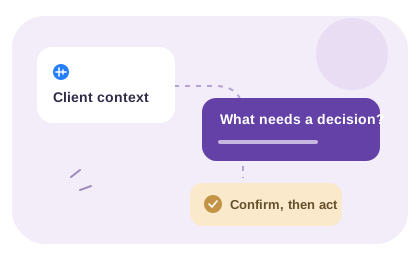
Choose the response format for the information you need. Keep fields for fixed facts, offer voice for an explanation and use a conversation when a decision needs discussion.

Client intake form alternative with a VocalJet voice link
VocalJet app preview


Short answer

Keep the collection method aligned with the question you need answered.

A useful form alternative changes how you collect the missing context, not necessarily the whole intake process. Keep comparable facts in fields, offer a separate voice link for reasoning and arrange a call for unresolved trade-offs. Review the sources together before treating them as one agreed brief.
A practical decision rule

Choose the intake format around the uncertainty

Use fixed questions when the information is already known and easy to state. Use a conversation or voice explanation when the value lies in the relationships between goals, constraints and competing priorities.
Separate facts from explanations

A billing address, launch URL or selected service belongs in a field where the answer is easy to check. The reason a previous launch failed may need a longer explanation. Voice is an option for that reasoning, not evidence that forms are inherently too rigid.

Review your last few intake conversations and mark the questions that needed a second exchange. Keep useful fields. Offer a voice link for the context-heavy question and tell the client what to cover. Retain a written route for people who cannot or do not want to record.

Keep one reviewed intake record

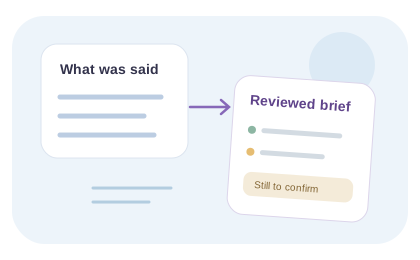
When answers arrive through two routes, use the same project reference and reconcile them yourself. If a form says one launch date and the recording suggests another, ask which is correct. Do not silently choose the more convenient answer.

VocalJet supplies the voice recording and transcript. Copy the checked facts into your intake document and label remaining questions before quoting. A combined workflow requires a reviewer; it is not a native synchronization between VocalJet and your form builder.

Try a question audit: label each intake question “fixed fact,” “explanation” or “decision together.” Keep the first group in fields, offer a written or voice route for the second and reserve the third for discussion. After choosing voice, follow the invitation setup guide; this does not connect or synchronize your form builder.

Form vs voice intake

Choose the intake method based on the shape of the client context, not on the tool category.

Method

Static intake form

Best for

Simple, repeatable requests with fixed fields

Consider

Design questions that elicit the information you need

Output quality

Structured field responses

Discovery call

Best for

Complex sales, relationship building, live decisions

Consider

Requires scheduling and a reliable decision record

Output quality

Live discussion and your meeting notes

Email thread

Best for

Quick written follow-ups

Consider

Keep replies and stakeholder decisions connected

Output quality

Email correspondence to review

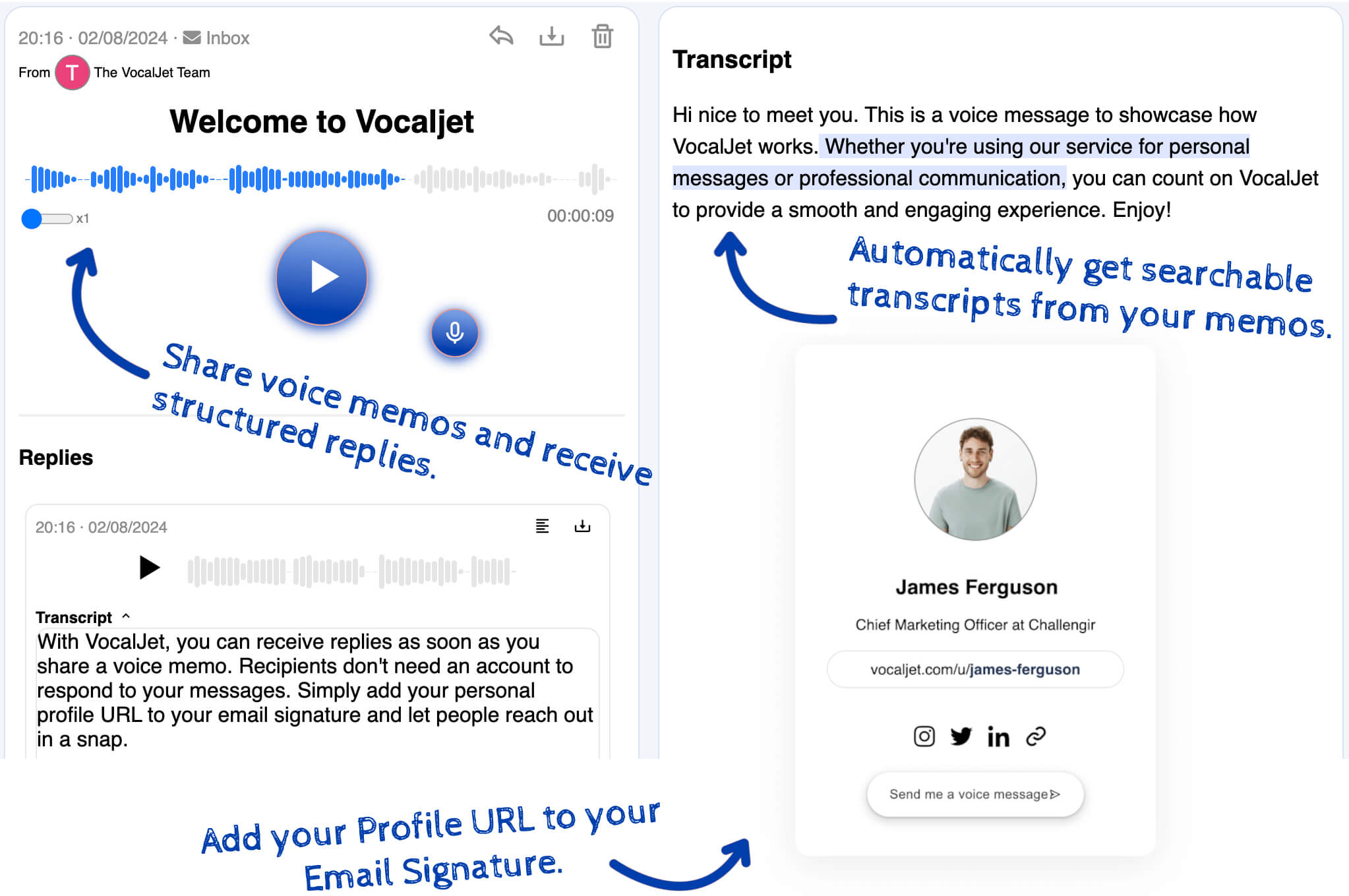
VocalJet voice intake

Best for

Ambiguous projects, creative work, consulting requests and scope-sensitive feedback

Consider

Needs transcription and structure after recording

Output quality

Recording and searchable transcript

Use it when forms fail

These are the client signals that usually need a voice workflow instead of another blank text area.

  1. The request is vague

    Clients say "make it more premium", "this should be quick" or "we just need a few changes" without defining what that means.

  2. Stakeholders disagree

    Voice lets clients explain politics, constraints and approval criteria that rarely fit into a form field.

  3. Scope is unclear

    Spoken context helps surface hidden requests, missing assets, urgency and dependencies before work starts.

Common questions

Should I replace the whole intake form?

Only if the form no longer serves the task. Keep fields that collect comparable facts or required information. Add a separate voice option for the explanation that is missing, and use a reviewer to reconcile the answers.

Which questions belong in written fields?

Use fields for an exact URL, contact detail, selected service or other fact you need to compare or validate. A longer written answer can also work well. Voice is a response choice for the client’s reasoning, not a requirement.

When is a call a better alternative?

Choose a call when stakeholders need to negotiate, resolve conflicting priorities or discuss a sensitive decision. An asynchronous explanation can prepare that conversation, but it should not imply that agreement has already been reached.

How do I combine form answers and voice context?

Use the same project reference, review the recording and transcript, and manually record the checked facts with the form response. Ask about contradictions before quoting. VocalJet does not automatically synchronize the two sources.

VocalJet

Create a voice intake link

Choose the response format for the information you need. Keep fields for fixed facts, offer voice for an explanation and use a conversation when a decision needs discussion.