Use AI for the transcript, then review the brief yourself. Map the client’s words to goals, deliverables and constraints, keep uncertainty visible, and format the checked information in the manual builder.
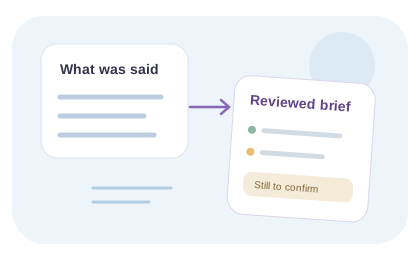
A brief should preserve what the client said, distinguish assumptions and give the team a clear next step.
Fictional worked example · editorial illustration
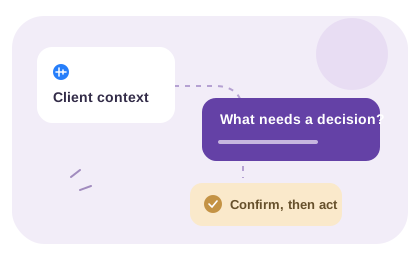
Client context
We want a landing page for a webinar next month. Marketing wants more qualified registrations. Legal still needs to approve the claims. We have a slide deck, but no final page copy. The CRM connection may already exist.
A follow-up prompt
Which claims are approved, who writes the copy, and is the existing CRM connection ready to use?
Draft project brief
Goal: create a webinar landing page aimed at qualified registrations.
Timing: next month; exact launch date to confirm.
Inputs: slide deck available; final copy and approved claims outstanding.
Dependencies: legal approval and confirmation of the CRM connection.
Unconfirmed scope: copywriting, CRM changes and revision rounds.
Next action: marketing confirms owners and dates before the agency prices the work.
This is a written example, not a recording or captured AI output. Confirm deliverables, owners and dates with the client before treating a draft as an agreement.
A polished brief can still be wrong if it turns uncertain statements into commitments. Preserve the difference between what the client said, your interpretation and the decisions that remain open.
01
Move from a transcript to brief fields
First check names, numbers and qualified language against the audio. Then place each useful statement under a goal, audience, deliverable, constraint or open question. If the recording does not answer a field, write “to confirm” instead of filling the gap with an assumption.
For example, “the CRM connection may already exist” belongs under a dependency to investigate. It does not prove that the connection works or that new integration work is included. Preserve the recording reference so a reviewer can return to the source.
02
Use the builder for structure, then get agreement
The free brief builder formats the answers you type and offers copy and text-file download. It does not listen to the recording or generate a brief from audio. Paste only the information you have reviewed, and keep interpretations visibly separate from confirmed facts.
Read the draft as if you were the person delivering the work: what must be produced, who approves it, what is excluded and what still blocks an estimate? Send the remaining questions to the client before treating the draft as an agreement.
Fictional mapping: “Maybe six weeks, if the copy is ready” becomes “Requested timing: six weeks, unconfirmed; dependency: approved copy; next decision: confirm feasibility.” It does not become a promised deadline. The Northstar brief example shows this review step before loading the manually prepared draft into the builder.
Copy a brief review check+
Client statement / source:
Brief field it supports:
Confirmed fact:
Interpretation to review:
Missing information:
Who can confirm it:
Decision recorded:
From spoken context to a reviewed brief
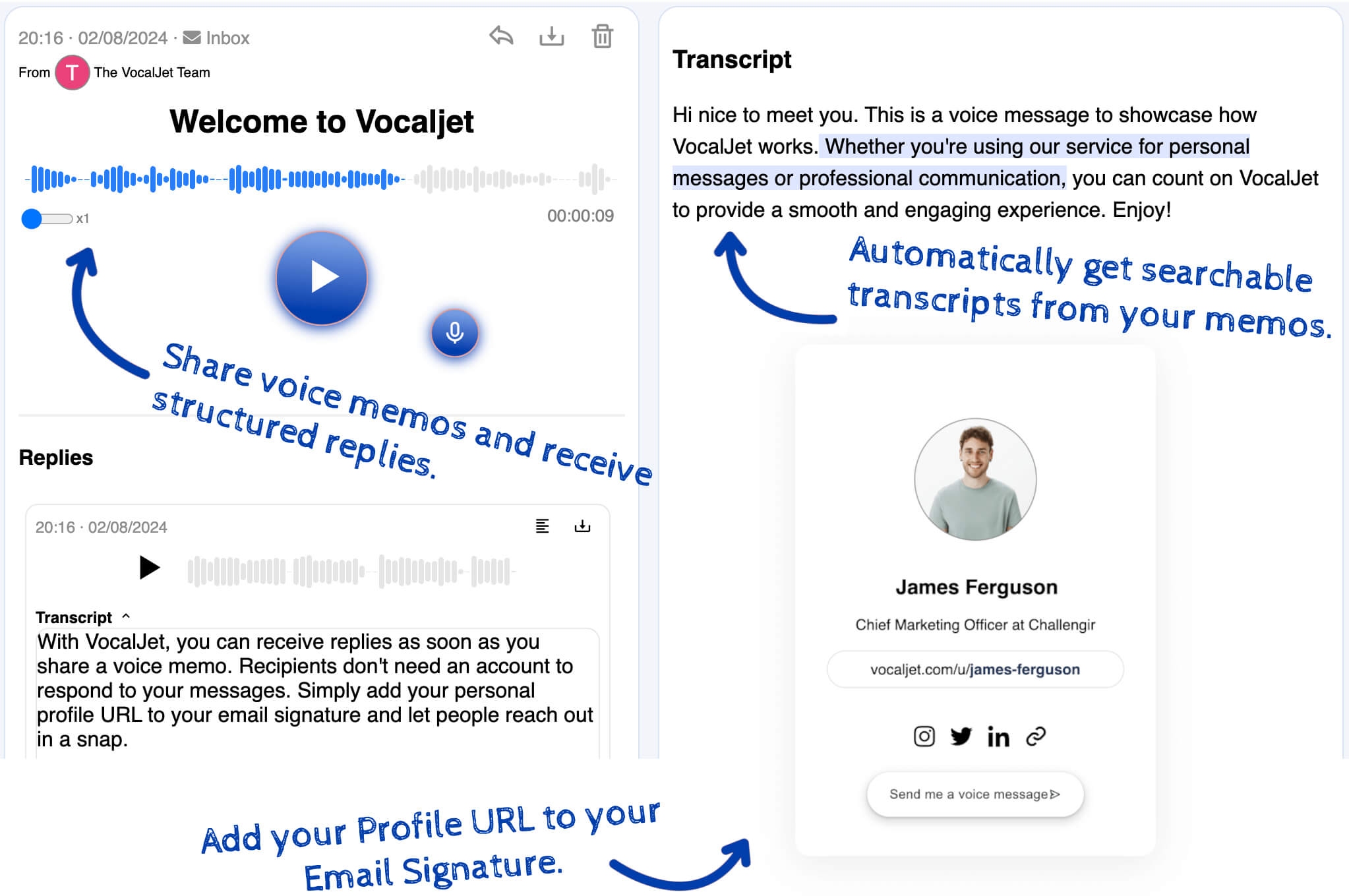
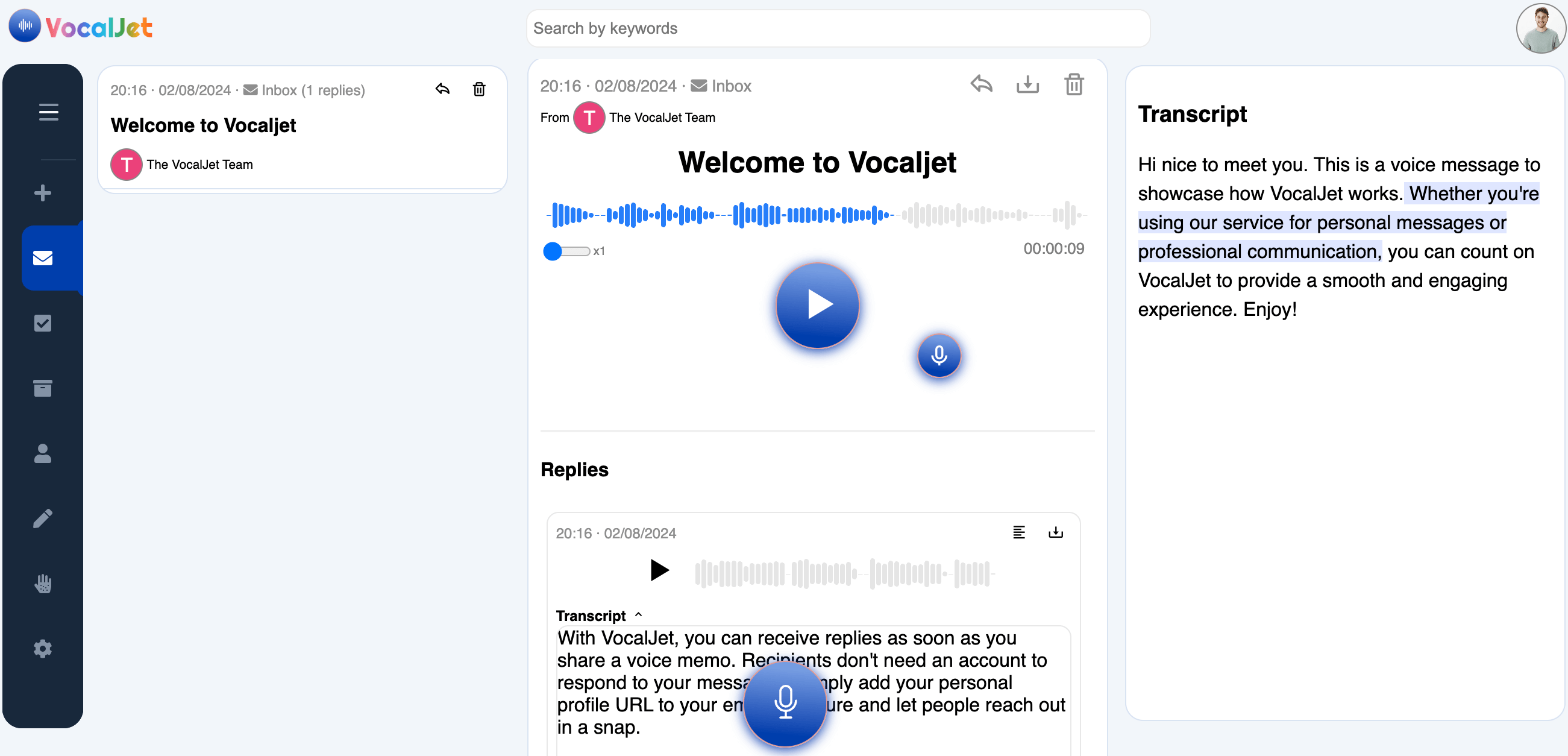
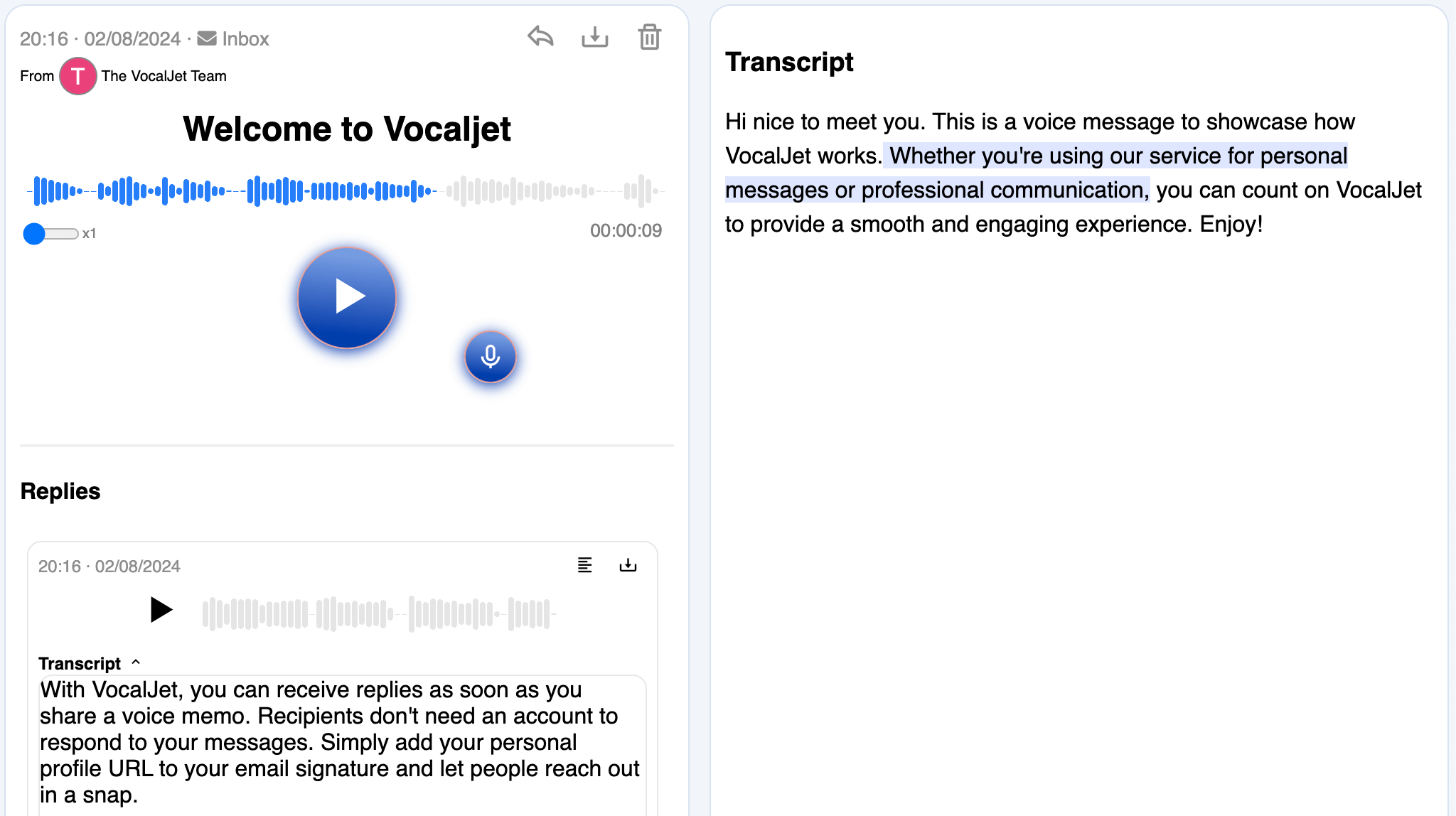
This workflow uses AI transcription to capture spoken context. You review the transcript and assemble the brief: goals, constraints, assumptions, open questions and next decisions. The public brief builder formats what you enter; it does not generate a brief from audio.
AI transcription supplies source text, not an agreed brief. Check the recording, map confirmed statements to brief fields and mark unanswered questions. The free builder formats the information you enter; it does not listen to audio or invent the missing project decisions.
Use the review steps below with the recording and transcript. The judgments, written decisions and delivery handoff are your team’s work.
Check the transcript
Replay names, numbers and qualified statements before using the text.
Map facts to fields
Place reviewed information under goals, deliverables, constraints or questions.
Keep assumptions visible
Mark missing facts as “to confirm” and preserve the source reference.
Format and confirm
Enter the checked information in the manual builder and ask the client to review it.
Keep proposed actions connected to the wording in the recording.
↗
Common questions
Which part of this workflow uses AI?
+
VocalJet uses AI to transcribe recorded or uploaded audio. You check the transcript, interpret the request and write the brief. The public brief builder formats typed answers; it does not generate a brief from the recording.
How should I handle a field the recording does not answer?
+
Write “to confirm,” keep the unanswered question visible and identify who can answer it. Do not infer an approved budget, delivery date or inclusion from a related remark. A complete-looking document can still contain unsupported assumptions.
How can another reviewer check the brief?
+
Keep the recording reference and the relevant source wording alongside your review notes. Distinguish client statements, your interpretation and decisions awaiting confirmation. Check names, numbers and qualified wording against the audio.
Can I use an existing recording?
+
On a plan that includes uploads, you can upload audio and review its transcript. Check that your file plays correctly and verify important details against the recording before entering them in the manual template.
When is the draft ready to share?
+
Share it for review when the goal, deliverables, dependencies and open questions are clear. Treat scope, dates and ownership as agreed only after the appropriate people confirm them. Formatting or downloading the draft is not approval.
Create your first voice intake link
Use AI for the transcript, then review the brief yourself. Map the client’s words to goals, deliverables and constraints, keep uncertainty visible, and format the checked information in the manual builder.