Collect async client feedback without another meeting


Run a feedback round with a clear beginning and end. Name the version, ask for one decision, give a response date and close the round with the changes and questions your team has reviewed.

Async client feedback with VocalJet
VocalJet app preview

A short agenda for async client feedback

Use this process guide to ask for feedback that your team can review before another meeting.

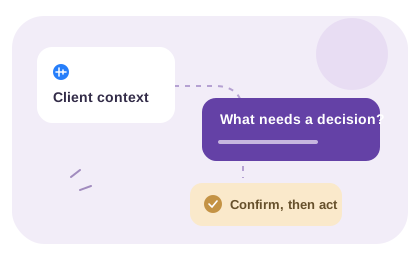
  1. Set the context: name the version or deliverable being reviewed.
  2. Ask three questions: what works, what should change, and why does that change matter?
  3. Request one decision owner: collect stakeholder input before asking for approval.
  4. Confirm the outcome: summarize included changes, questions and requests that need a separate estimate.

For a worked revision example and the software workflow, see the async client feedback tool page. To structure the answers, use the free client brief template.

An async review habit

Make feedback easier to respond to

A useful feedback message helps the recipient understand the observation, its consequence and the question to resolve. It does not have to prescribe a design solution.

Open a review round with a specific decision

Name the version or deliverable, link to it and say what kind of feedback is useful now. “Does this explain the offer?” asks for a different review from “Is this ready to publish?” Ask the reviewer to separate preference, factual correction and approval.

Include a response date and explain what depends on it. A deadline for feedback is not a promise that every requested change will be delivered immediately. Offer a written response for exact wording or an annotated image when visual placement matters.

Close the round in writing

Check the voice transcript and combine comments into a reviewed list. Where stakeholders disagree, ask the named approver for a decision rather than merging incompatible directions. Keep the original wording accessible for context.

Reply with what is accepted, what needs clarification and what requires a separate scope decision. Record who approved that response in your project workspace. VocalJet captures the voice exchange; your review process provides the decision trail and prevents another round from silently reopening agreed work.

Round-closing note: “Reviewed version: [reference]. Accepted changes: [list]. Waiting for: [decision and owner]. Separate scope questions: [list]. Next review: [to confirm].” The fictional Cedar review keeps a Friday review request separate from a launch promise and shows a manually written reply.

One version, one question, one review round

Async client feedback lets clients explain what they think and what needs to change without scheduling another meeting or forcing feedback into scattered email threads.

VocalJet client context workspace
VocalJet app preview

Give every review round a closing decision

An async review round needs a version, a decision request, an approver and a closing response. Collect voice or written comments, resolve contradictions and confirm what happens next. VocalJet records and transcribes voice feedback; the review process determines which changes are accepted.

Use the review steps below with the recording and transcript. The judgments, written decisions and delivery handoff are your team’s work.

  1. Name the version

    Keep the reviewed file or page reference with the feedback request.

  2. Ask for one decision

    Explain whether you need factual correction, direction or final approval.

  3. Resolve conflicting comments

    Ask the named approver to settle incompatible requests before assigning them.

  4. Close the round in writing

    Record accepted changes, open questions and the next agreed checkpoint.

Inside VocalJet
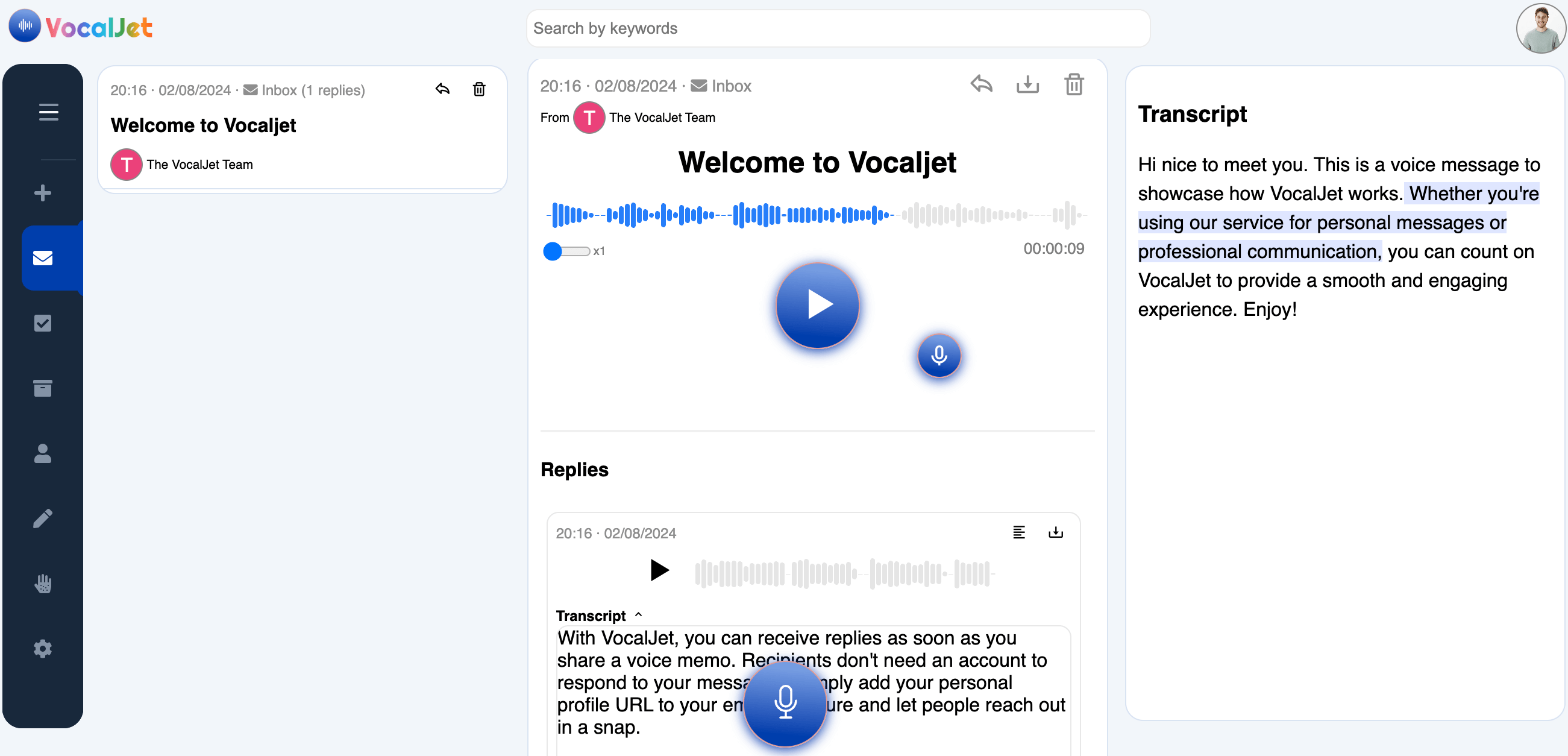
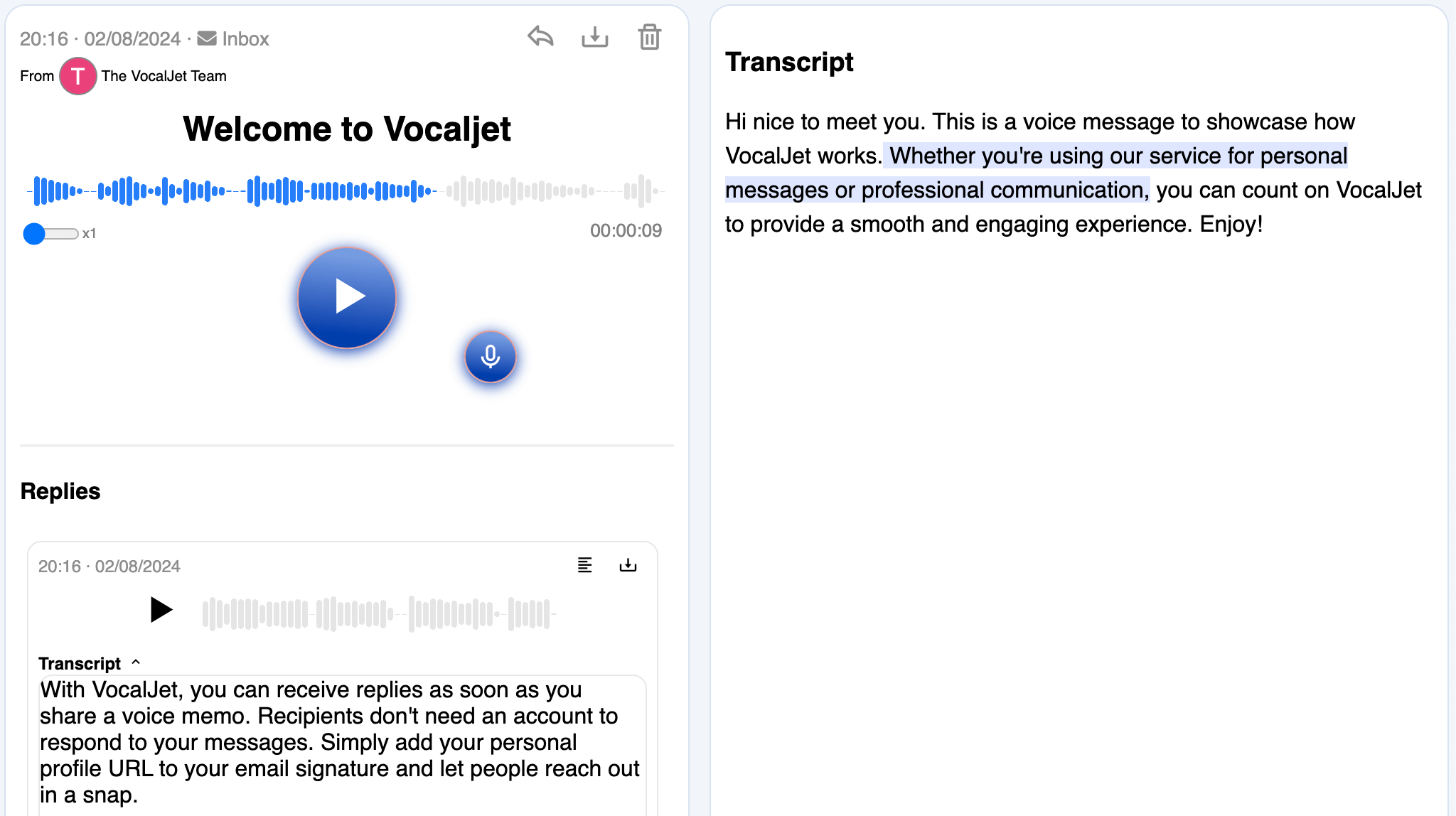
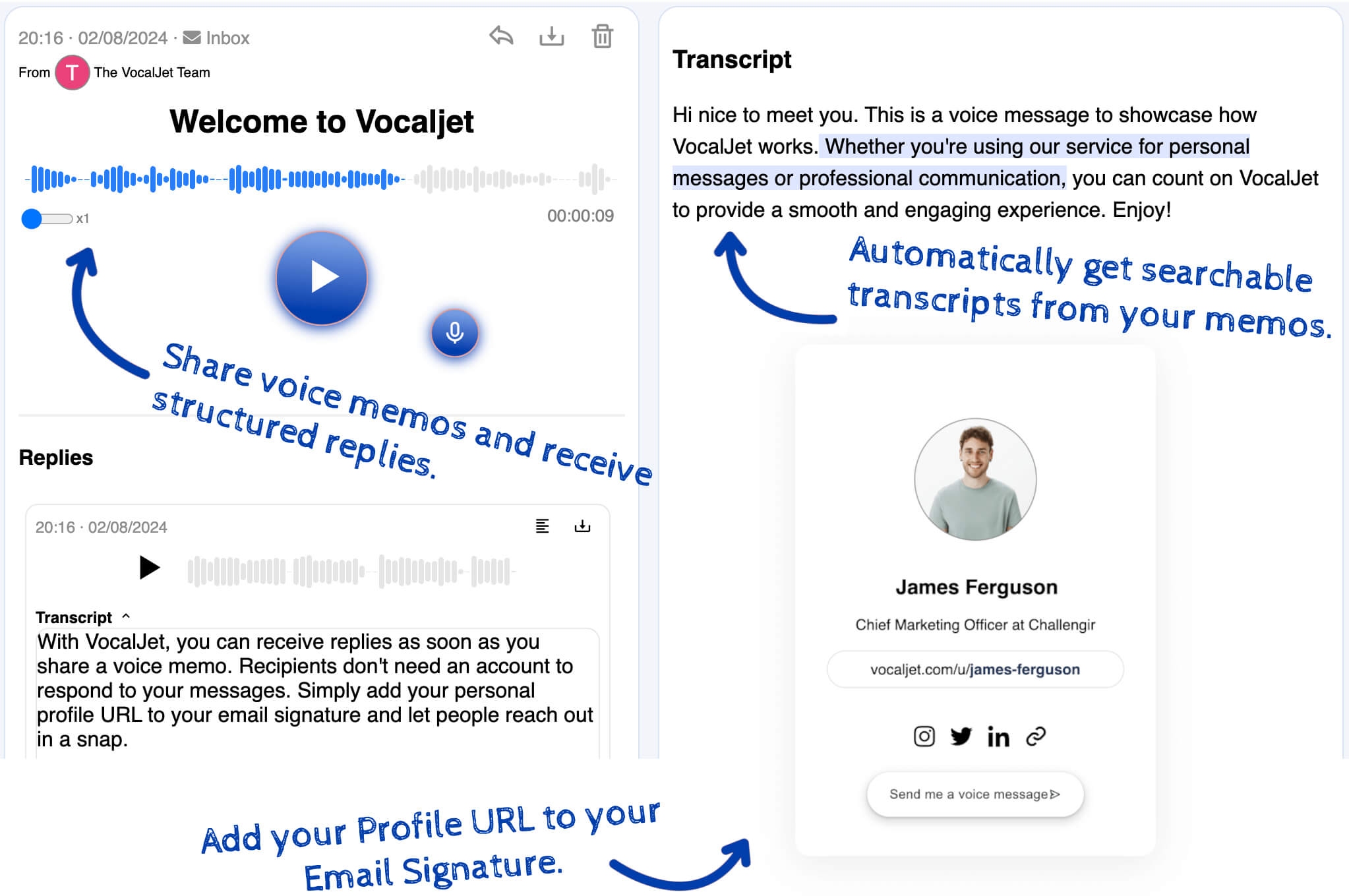
VocalJet welcome message with its transcript and reply in the app
App preview · recording, transcript and reply

How it works

  1. Set the review question

    Identify the version, the decision you need and when the client’s response would be useful.

  2. Review the voice feedback

    Check the recording and transcript, and separate a correction from a preference or approval.

  3. Close the review round

    Write the accepted changes and open questions. Ask the approver to resolve conflicts before work starts.

Built for

Service teams that need clear context before they commit time, budget or deliverables.

  1. Consultants

    Capture discovery context, stakeholder priorities and unanswered questions before a session.

  2. Agencies

    Collect client feedback and revision context without scattering it across inboxes.

  3. Freelancers

    Capture voice notes and transcripts; use your team’s review to create briefs, actions and follow-ups.

  4. Studios

    Clarify creative direction, scope boundaries and client expectations asynchronously.

Common questions

What should I include when opening a review round?

Name the version, link to the work, state the decision you need and give a response date. Identify the final approver and distinguish a review deadline from a promised delivery date.

How do I handle contradictory client comments?

Record the conflicting directions and ask the named approver to choose or clarify. Do not combine incompatible comments into an apparently approved task list. Preserve the original comments so the decision can be checked.

How should I close an async feedback round?

Send a reviewed record of accepted changes, open questions, separate scope decisions and the next checkpoint. Record approval in your project workspace. Later feedback should identify which existing decision it proposes to reopen.

When should the round become a live discussion?

Use a conversation for sensitive disagreement, negotiation or trade-offs that repeated messages are not resolving. Send the checked context first so the discussion can focus on the decision.

What part does VocalJet handle?

VocalJet provides the voice recording, reply and transcript. You review the comments, reconcile decisions, write the response and assign accepted work in your project system. A transcript does not close the review round automatically.

VocalJet

Create your first voice intake link

Run a feedback round with a clear beginning and end. Name the version, ask for one decision, give a response date and close the round with the changes and questions your team has reviewed.

VocalJet app preview